Galpi
Skills and MCP
A skill is instructions and commands the agent reads; an MCP connection is an external tool for the chat. Both are turned on at system, project or personal level.
Skills
A skill is a bundle of files. It must have SKILL.md (its frontmatter name equals the slug); skill.json (integrations it needs, settings) and bin/* (commands put on the VM's PATH) are optional.
my-skill/
├── SKILL.md          # what the agent reads; frontmatter name = slug
├── skill.json        # optional: integrations, settings
└── bin/
    └── my-command    # optional: on the VM's PATH
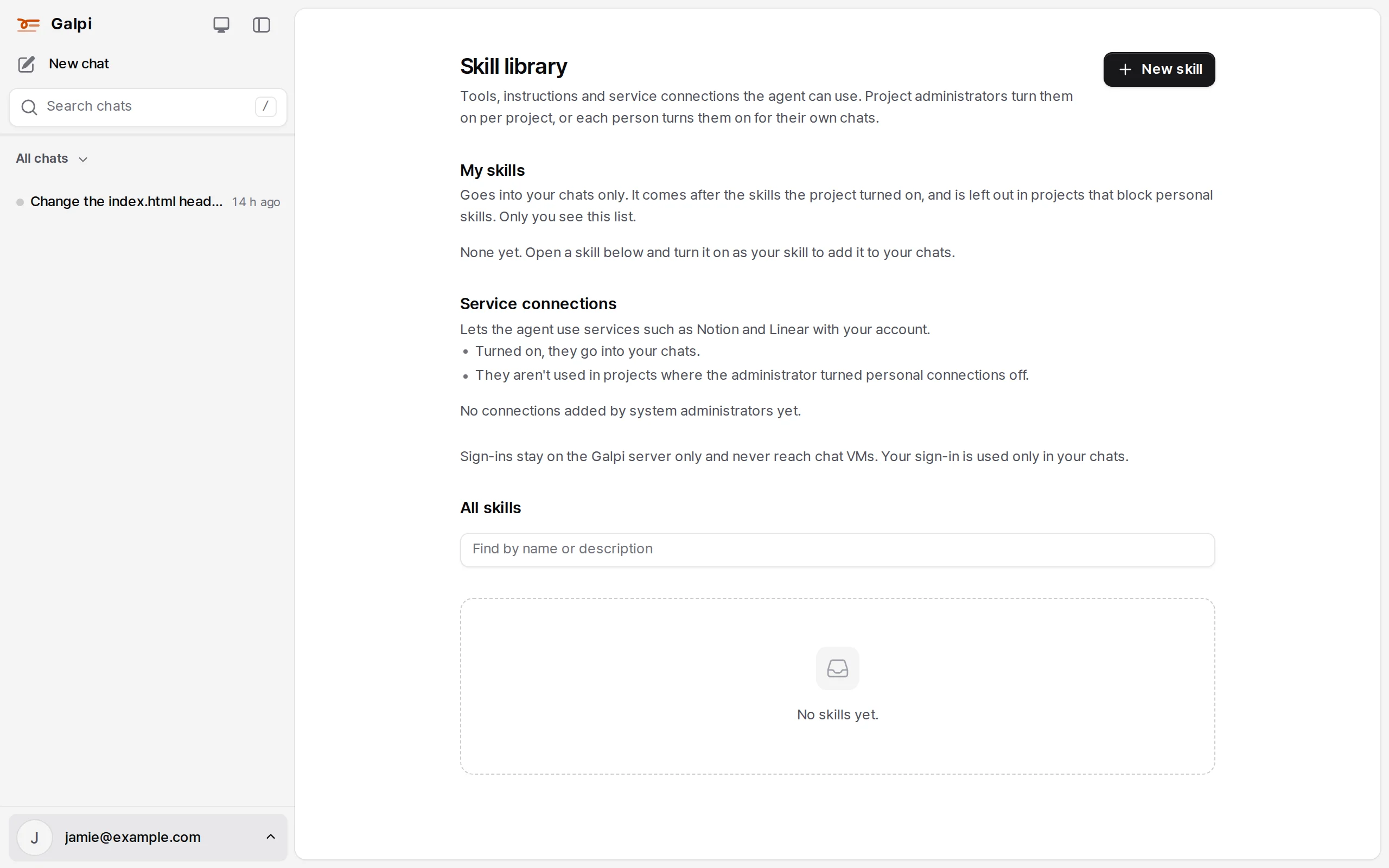
- Skill library: upload and browse skills from Skill library in the account menu. Anyone signed in can create one. Public skills are listed for everyone; private ones can be turned on only in projects their author owns.
- Project skills: turned on by the owner in Project settings → Skills, they go into every chat of the project.
- My skills: each person turns skills on for their own chats from the library. An owner can block personal skills in a project.
- Plane, the default skill: on in every project from the start; it joins chats when the project is connected to Plane. What it may do is decided by the server's Plane rules.
- Versions are pinned. A project keeps the version it turned on. A new version from the author changes nothing until the owner presses Update.
- Settings replace
{{settings.KEY}}in the files;{{project.name}},{{repo.url}}and{{proxies.<name>.url}}work too. Keep secrets out of settings; call through a proxy. - Names starting with
galpi-are Galpi's (thegalpi-pushskill, thegalpi-secretandgalpi-portcommands). Command names the VM uses, likebin/opencodeorbin/git, are refused. - Turning a skill off or changing its version or settings applies to open chats from their next question.
Examples live in the Galpi repository under examples/skills/ (such as ci-history, a Woodpecker lookup). Upload them from the library.
MCP connections
Remote MCP servers (Streamable HTTP) join chats, and every call goes through the Galpi server. There are no connections that run arbitrary stdio commands on the VM.
| Level | Created in | How it reaches a chat |
|---|---|---|
| System | System admin → MCP | A project owner turns it on under Galpi's shared connections for the project's chats; each person can turn it on in Skill library → Service connections for their own. Required in every chat puts it everywhere |
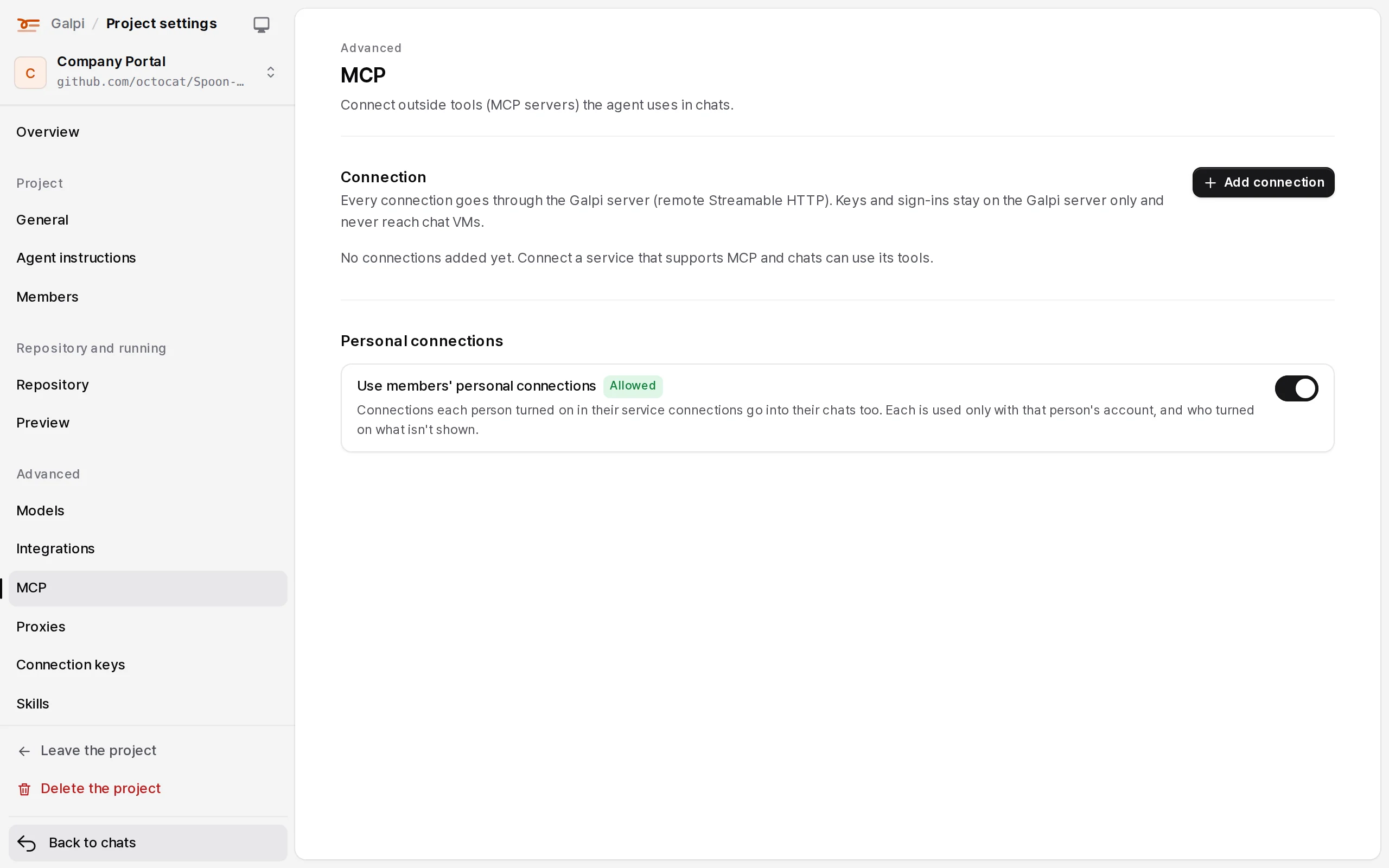
| Project | Project settings → Advanced → MCP | Every member's chats in that project |
| Personal | Skill library → Service connections → added by me | Only that person's chats, and only when the administrator lets people add MCP addresses (off by default) |
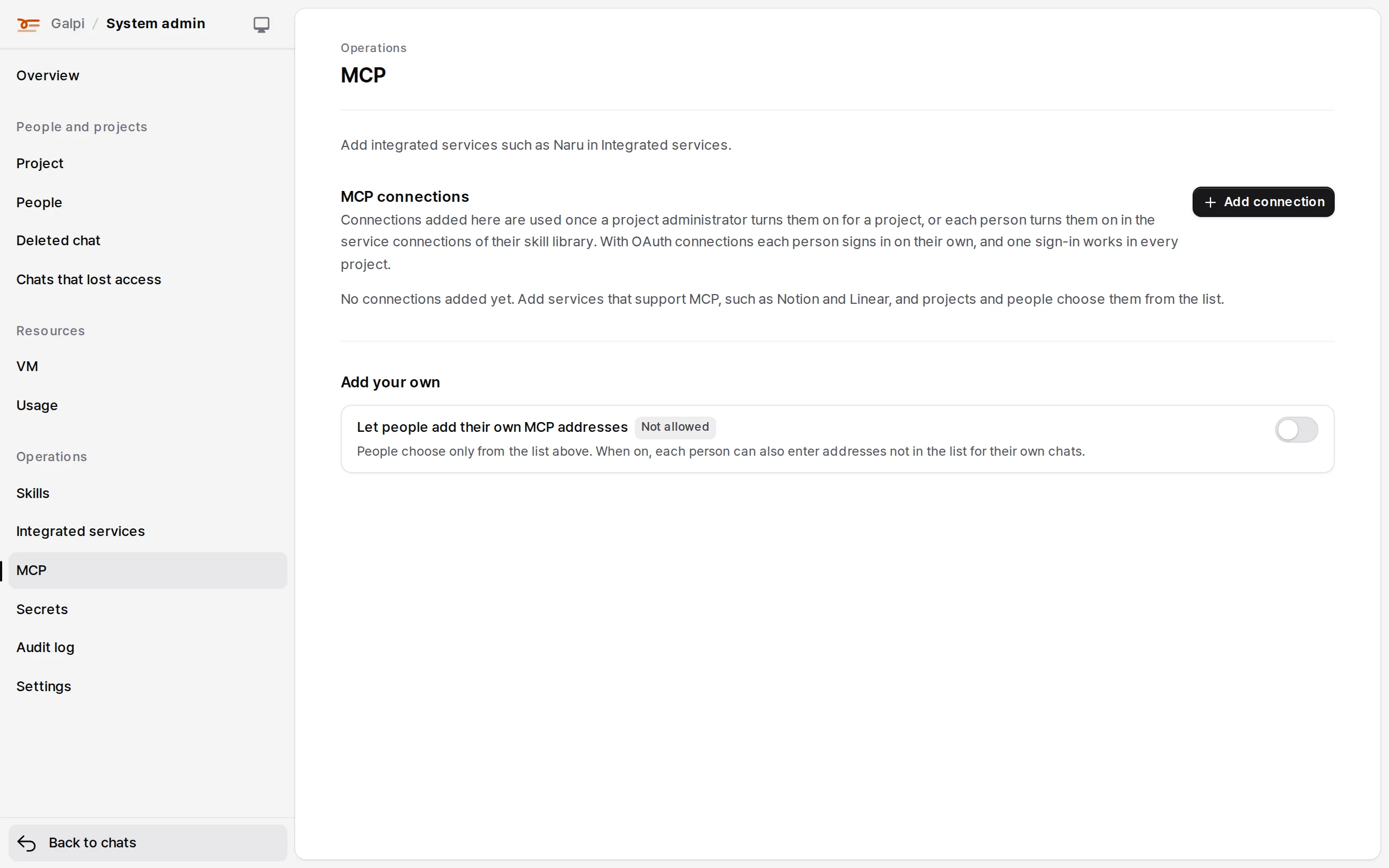
- Authentication: none, a shared bearer token, a shared API-key header, or OAuth per person (PKCE, with dynamic registration when the server supports it). System connections also offer Signed user identity: Galpi signs who owns the chat, which is how a Naru toolset takes it. A sign-in belongs to the connection, so signing in to a system connection once covers every project that uses it.
- Company certificates: trust a company CA or pin a public key.
- A chat gets, in order: the required Mothership connection, integrated-service connections, required system connections, project connections, system connections the project turned on, then the owner's own. Each connection once.
- The full address of a system connection is shown only to administrators (some services put keys in the path).
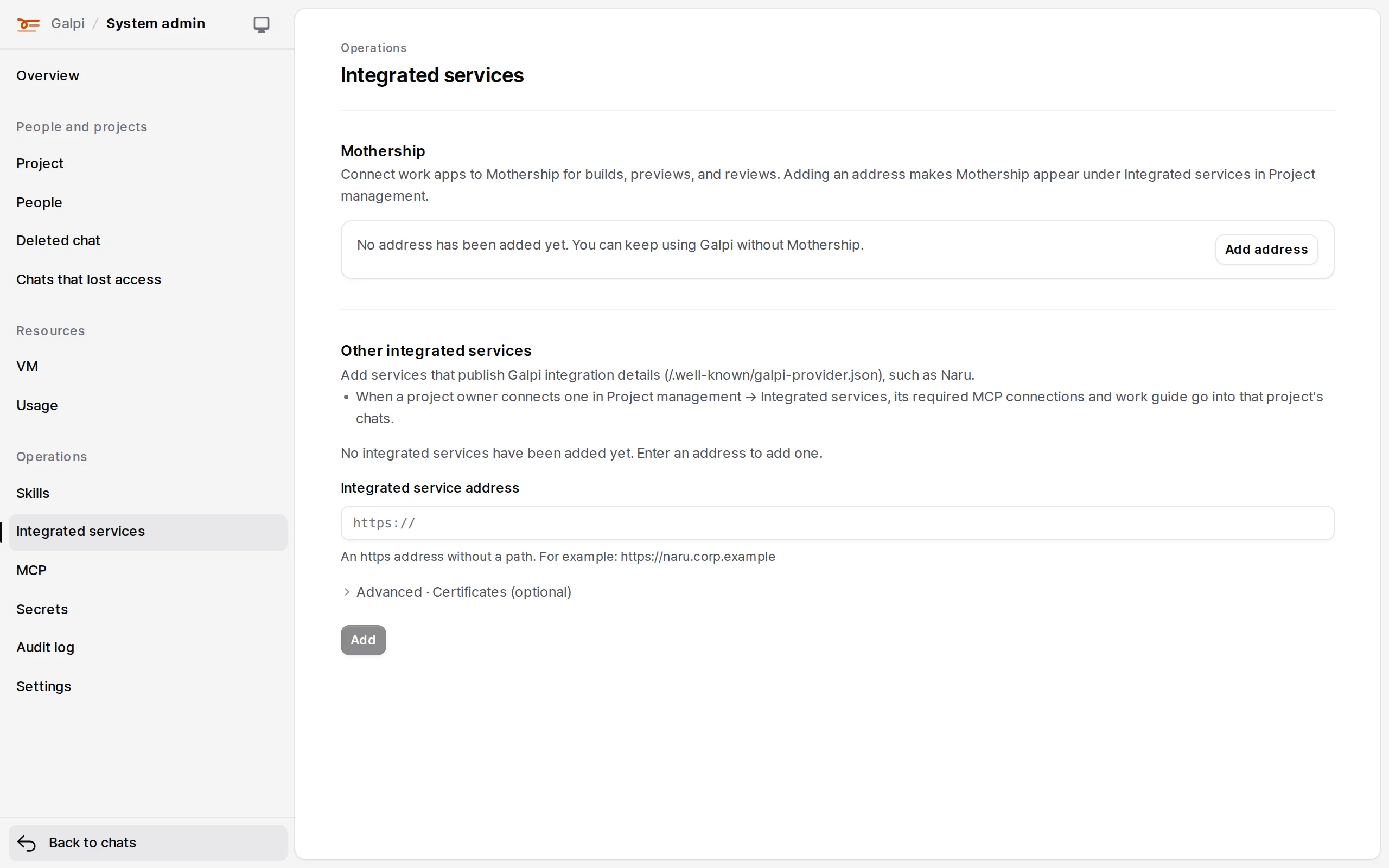
Integrated services
Services such as Naru join projects through one manifest (/.well-known/galpi-provider.json). An administrator adds the address in System admin → Integrated services; a project owner connects it in Project settings → Services and gets the required MCP, skill and commit submission. → Connecting the products