Galpi
About Galpi
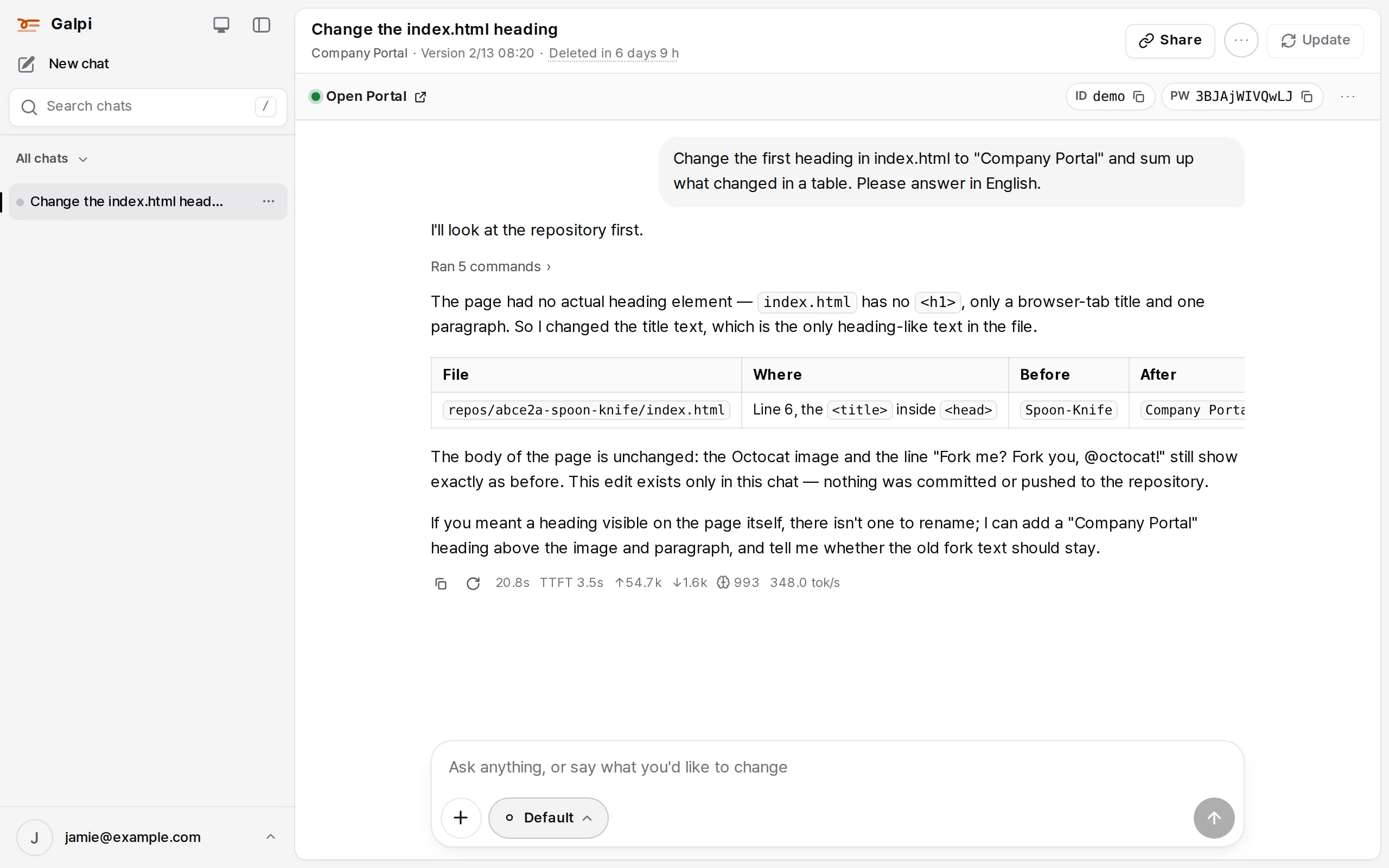
Galpi is a chat that asks and builds. Every chat gets its own workspace (a VM), where an agent reads, runs and changes your files and repositories to answer.
What it does
In Galpi the chat comes first. Start one with no project and work from files and conversation, or pick a project and the chat checks out the git repositories you choose from it (a project can have several).
- Each chat gets a workspace. A VM is attached to the chat, and an opencode agent inside it reads the repositories, runs commands and edits files. The answer keeps a record of what it read and ran.
- See the change running. Write down how your app starts (
.galpi/preview.yml) and a preview bar appears over the chat; open the app in your browser with a test account. → Preview - Push it. Allowed per repository, the agent pushes to the branches you permit. Credentials stay on the Galpi server. → git push from a chat
- Carry on in VS Code. Open the same workspace in VS Code in the browser or on your own computer. → Code editor
- Bring your team's way of working. Skills (instructions and commands the agent reads), MCP connections (external tools) and per-project agent instructions shape each chat. → Skills and MCP
Who uses it
| Person | What they do |
|---|---|
| Anyone signed in | Chat, attach files, share links, their own skills and connections |
| Project owner | Connect repositories, invite members, set up preview, agent instructions, skills, MCP and proxies, allow pushing |
| System administrator | Installation and first-run setup, where VMs run (nodes), models, sign-in, budgets, backups, audit log |
| External user (guest) | Chats only in projects they were invited to. No project-less chats, no pushing |
How it fits together
- No secrets on the VM. The agent can run anything inside its VM, so model keys, Plane keys and CI tokens stay on the server; the VM calls the server's relay (
/internal/*) with a token of its own chat. Repository credentials are written to the VM only while a clone or an update needs them, then removed. - The server keeps a mirror of each repository. "N new commits" is counted from the server's mirror (
DATA_DIR/mirrors); a chat takes them with Update. - Chats are put away and brought back. Idle VMs sleep; chats unused for a while leave a copy (in S3) and their VM is removed. Opening the chat again restores the workspace from that copy.
The repository
| Path | What |
|---|---|
apps/server |
Hono + SQLite/PostgreSQL (Drizzle) API: accounts, projects, repository credentials, skills, integrations, proxies, preview, chats, VM auth |
apps/web |
React + Vite web app (Catalyst components, Pretendard) |
packages/shared |
API types shared by server and web |
vm/ |
What goes onto a VM: prompts, opencode config, clone/update/archive scripts, work commands, preview, code editor |
node-kit/ |
E2B and Sysbox node software: the edge, install, join and update scripts |
deploy/ |
Docker Compose deployment (Caddy, Forgejo, bundled S3) |
Next
AI coding · ask about code · fix code in a chat · agent