Galpi
Install and set up
Run Galpi on one server with Docker Compose, become the first administrator with the setup token from the log, and finish with the wizard.
What you need
- A Linux server (2 vCPU, 4 GB of memory and 20 GB of disk are enough to start) with Docker and Compose. Without Docker:
curl -fsSL https://get.docker.com | sh. - A domain name whose DNS points at the server's public IP (for example
galpi.example.com). - Ports 80 and 443 open from outside (Let's Encrypt). Also 9443 if nodes use the bundled S3.
- Somewhere to run chat VMs: a Fly Sprites token, or servers to join as nodes (E2B needs KVM; Sysbox does not). You can decide later. → Where VMs run
Three steps
cd deploy
cp .env.example .env && chmod 600 .env     # 1. fill in GALPI_DOMAIN, SECRETS_KEY …
./build.sh                                  # 2. build the image (a few minutes)
docker compose up -d                        # 3. start it
In .env you must set GALPI_DOMAIN and SECRETS_KEY (openssl rand -base64 32), and FORGEJO_ADMIN_PASSWORD (openssl rand -hex 24) if you use Galpi's built-in repositories. Everything else can be set in the first-run screens; a value saved there wins over the environment.
Secrets saved in the app (tokens, passwords) are sealed with this key. Lose it and you must enter them again; restoring from a backup needs the same key too.
COMPOSE_PROFILES in .env chooses what runs alongside. The default is https,git.
| Profile | Starts | When |
|---|---|---|
| (always) | galpi |
The Galpi server and web app |
https |
caddy |
Automatic HTTPS. Leave it out behind another proxy |
git |
forgejo, forgejo-restore, forgejo-backup |
Built-in repositories ("start from an empty repository") and their backup |
s3 |
s3, s3-bucket |
Bundled S3 (versitygw) for small installs. Larger ones put an external S3 in S3_* |
First visit
-
After a few seconds open
https://<GALPI_DOMAIN>. You get a screen asking for a setup token. Caddy fetches the certificate on that first request. -
The token is in the log and in
DATA_DIR/setup-token(mode 600).bashdocker compose logs galpi | grep '\[setup\]' -
Enter the token and your email. You become the first system administrator (signed in at once, no mail needed) and the wizard continues. The token works once.
A server that people already use (someone has signed in or a project exists) counts as set up, so upgrading an existing install never shows the wizard.
Wizard steps
| Step | What you set | Check |
|---|---|---|
| Server address | PUBLIC_URL, and VM_CALLBACK_URL, the address VMs call Galpi on (node with nodes) |
|
SMTP_URL, MAIL_FROM. Empty: mail goes to the server log only |
Send me a test mail | |
| Sign-in | Email code, OIDC, or both | Reads the issuer and shows the redirect URI to register |
| VMs | Sprites, E2B nodes or Sysbox nodes; for nodes, the join command and VM sizes | Sprites: lists with the token |
| File storage | S3 endpoint, bucket, keys. Empty: the server's disk. Database replication (Litestream) goes here too | Writes, reads and deletes a test file |
| LLM | Default model (Anthropic or OpenAI-compatible), per-tier models (Fast, Smart, Deep), free model, daily limit, agent instructions for every chat | Sends a short question |
| Policy and budgets | Sign-up domains, guests, who creates projects, project-less chats, ChatGPT, chat retention, how long and how much the store keeps deleted things, question limits, budgets | |
| Preview | GeoDNS, CDN or later; the preview domain | |
| Built-in repositories | On or off, Forgejo address and admin account | Signs in to the Forgejo API |
| Finish | Summary, restart, first project |
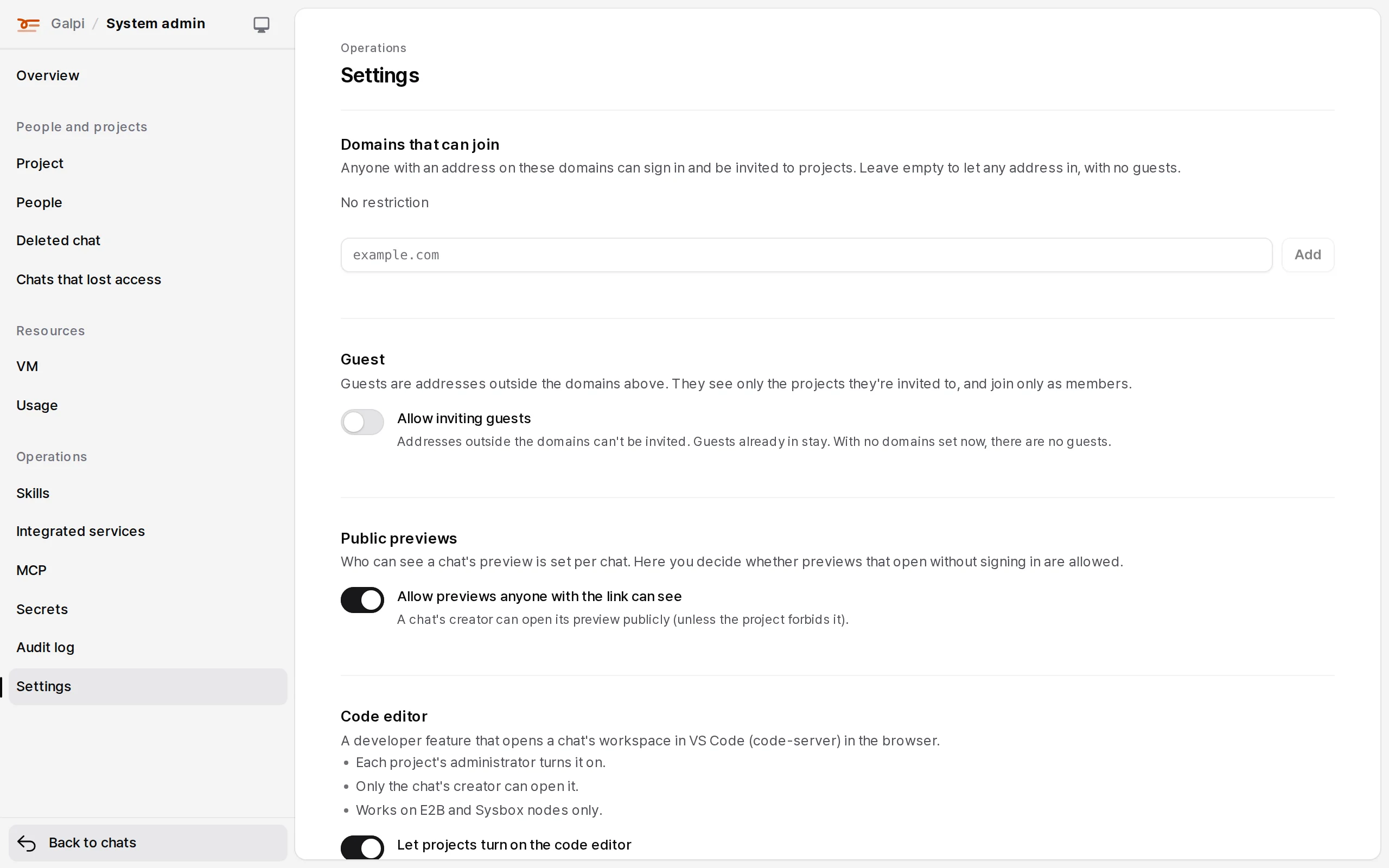
Moving between steps saves what you changed first. If it can't be saved (a wrong value, or a confirmation is needed), you stay on the step and see why. Everything can be changed later in System admin → Settings.
Ports and volumes
| What | Port | Volume | Note |
|---|---|---|---|
galpi |
127.0.0.1:8080 (GALPI_HTTP_BIND) |
galpi-data:/data |
Database and saved settings, replicated by Litestream when S3 is set |
caddy |
80, 443/tcp, 443/udp, 9443 | caddy-data, caddy-config |
Certificates live in caddy-data |
forgejo |
none (only Galpi, on an internal network) | forgejo-data |
Repositories and database |
s3 |
127.0.0.1:7070 (outside via Caddy's 9443) |
s3-data |
Buckets are folders |
Behind another proxy
- Remove
httpsfromCOMPOSE_PROFILESand pointGALPI_HTTP_BINDwhere the proxy reaches. The image runs in production mode, so the sign-in cookie isSecure: signing in overhttp://does not work. - The proxy terminates TLS and must not buffer streams (nginx:
proxy_buffering off). RewriteX-Forwarded-Forto the client's address (proxy_set_header X-Forwarded-For $remote_addr). - What is counted per address (such as the sign-in code request limit) uses the client address in
X-Forwarded-Foronly when the connecting side is a trusted proxy. Proxies on the same host or a private network (loopback, private addresses) are always trusted. List proxies on public addresses (cloud load balancers, a proxy on another host) inGALPI_TRUSTED_PROXIES, addresses or networks separated by commas (34.120.0.0/16,2001:db8::1). Otherwise everyone behind it counts as the proxy's one address, and many people opening the sign-in page at once can be turned away. Never list an address clients can reach directly. - Galpi speaks HTTP/1.1 only; don't turn on h2c from the proxy to Galpi.
- Galpi keeps idle connections for 130 seconds (
GALPI_KEEPALIVE_MS); the proxy must close first. In nginx keepkeepalive_timeoutunder 130 seconds and addproxy_http_version 1.1andproxy_set_header Connection "". - Match the bundled Caddy's body limits: in nginx
client_max_body_size 600m,client_header_timeout 30s,client_body_timeout 60s, andproxy_read_timeout 1hso answer streams aren't cut.
With CADDY_TLS=internal in .env, Caddy serves HTTPS with its own certificate (browsers warn). Node VMs don't trust it, so use VM_CALLBACK_URL=node. Not for production.
Restart policy
Keep restart: unless-stopped. Restart in the app ends the server with exit code 75 and this policy starts it again.
Next
- Where VMs run: Sprites, E2B nodes, Sysbox nodes
- Operations: sign-in, budgets, backup and restore, upgrades
- Air-gapped install: installing without internet
how to install · installation · deploy · docker compose · setup