Galpi
Environment variables and API
Common environment variables with their defaults, API tokens, and the API and MCP endpoint for scripts and AI agents.
Environment variables
Environment variables are starting values; what is saved in System admin → Settings wins. The full list is in the Galpi repository's .env.example (without Docker) and deploy/.env.example (Compose). Defaults below are from apps/server/src/config.ts.
Server
| Name | Default | Meaning |
|---|---|---|
PORT |
8080 |
Port to listen on |
PUBLIC_URL |
http://localhost:5173 |
The address people open; links in mail use it |
DATA_DIR |
./data (/data in the image) |
Database, settings, repository mirrors |
SECRETS_KEY |
(required) | Seals stored secrets. openssl rand -base64 32 |
DATABASE_URL |
(none = SQLite) | PostgreSQL URL |
ADMIN_EMAILS |
Made system administrators at start (comma-separated) | |
APP_LANG |
Default language, ko or en (formerly GALPI_LANG) |
|
VM_PROVIDER |
none |
sprites, e2b, sysbox, local, none |
VM_CALLBACK_URL |
(PUBLIC_URL) |
Where VMs call Galpi; node with nodes |
SPRITES_PREFIX |
galpi-dev- |
Prefix of Sprites VM names |
SSH_GATEWAY_PORT |
2222 |
SSH gateway for VS Code desktop |
OFFLINE |
1 for air-gapped mode |
|
MIRRORS |
Company mirrors (from=to pairs) |
|
NET_ALLOW_HOSTS |
Hosts allowed even on private networks among addresses people enter | |
GALPI_TRUSTED_PROXIES |
Trusted proxies on public addresses (addresses or networks, comma-separated). Loopback and private addresses are always trusted | |
GALPI_MAX_UNAUTHENTICATED_PER_ADDRESS |
64 |
Connections not yet signed in that one untrusted public address may hold |
GALPI_MAX_CONNECTIONS_PER_ADDRESS |
(no limit) | Connections per address (behind a trusted proxy: requests in flight per client) |
Sign-in and mail
| Name | Default | Meaning |
|---|---|---|
LOGIN_METHODS |
email |
email, oidc, email,oidc |
OIDC_ISSUER, OIDC_CLIENT_ID, OIDC_CLIENT_SECRET |
Company account (SSO) | |
SIGNUP_DOMAINS |
Email domains that may sign up; others are guests | |
SMTP_URL, MAIL_FROM |
Mail server and sender. Without them mail goes to the log | |
LOCAL_LOGIN_CODE |
VM_PROVIDER=local only: every sign-in code is these six digits |
Models
| Name | Default | Meaning |
|---|---|---|
LLM_API_FORMAT |
anthropic |
anthropic or openai (OpenAI-compatible) |
LLM_BASE_URL |
https://api.anthropic.com/v1 |
Model server |
LLM_API_KEY |
Model server key. Never reaches VMs | |
LLM_MODEL |
claude-sonnet-5-5 |
The single mode's model when no MODE_* is set |
MODE_FAST_MODEL, MODE_SMART_MODEL, MODE_DEEP_MODEL |
Per-tier models; each one set makes that tier (Fast, Smart, Deep) selectable | |
AGENT_PROMPT, AGENT_PROMPT_FILE |
Agent instructions for every chat |
Chats and retention
| Name | Default | Meaning |
|---|---|---|
CHAT_RETENTION_DAYS |
7 |
Idle days before a chat's workspace is archived (deleted without S3) |
ARCHIVE_RETENTION_DAYS |
(never) | Before archived chats are deleted |
DELETED_CHAT_RETENTION_DAYS |
(never) | Before deleted chats are removed for good |
LOST_ACCESS_RETENTION_DAYS |
30 |
How long chats whose owner lost access are kept |
RETAINED_DELETION_DAYS |
7 |
How long what is deleted from the store is kept first; 0 deletes at once. Also on the settings screen (Operations) |
RETAINED_DELETION_MAX_GB |
100 |
Cap on everything retained; past it the oldest go early. 0 for no cap |
S3_BUCKET, S3_ENDPOINT, S3_REGION, S3_ACCESS_KEY_ID, S3_SECRET_ACCESS_KEY |
File storage. Without it files stay in DATA_DIR and chats are deleted instead of archived |
|
S3_DIRECT |
auto |
Whether node VMs upload to S3 directly (auto, on, off) |
The product family
| Name | Meaning |
|---|---|
MOTHERSHIP_URL |
The family's Mothership; it appears under a project's integrated services |
NARU_URL |
The family's Naru; registered as an integrated service at start |
API tokens
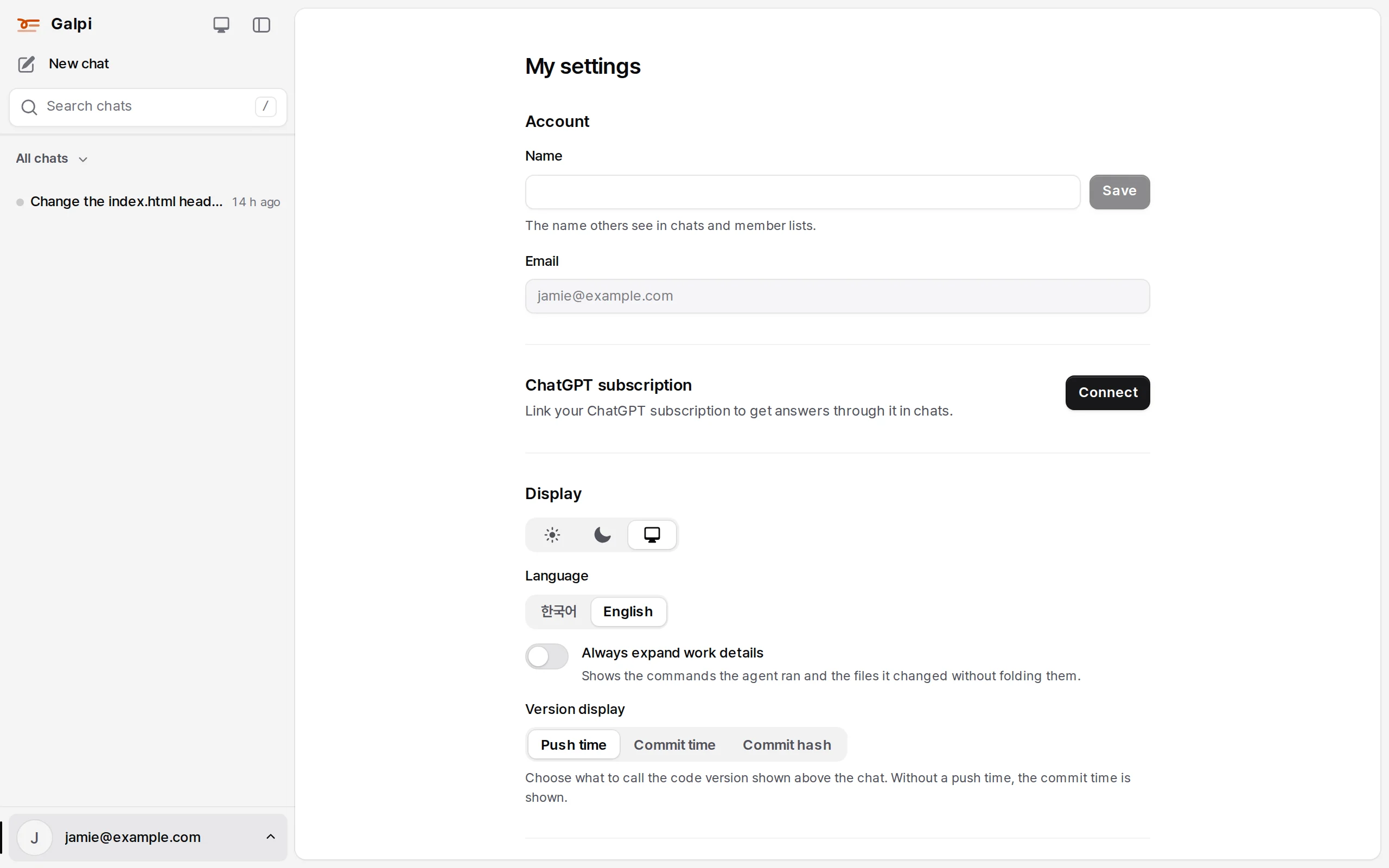
Create one in My settings → API tokens with a name and a lifetime (30 days, 90 days, a year, never). The token (galpi_…) is shown once; Galpi stores only its hash. Up to 20 per person. A token acts as its creator and can do only what they can. System admin (/api/admin/*), setup, sign-in and token management stay browser-only.
API
Send Authorization: Bearer <token> with each request; the API is the same /api/... the web app uses.
curl -H "Authorization: Bearer $GALPI_TOKEN" https://galpi.example.com/api/projects
# a new chat (without a project: "projectId": null), then a question
curl -H "Authorization: Bearer $GALPI_TOKEN" -H 'content-type: application/json' \
  -d '{"projectId":"p_…"}' https://galpi.example.com/api/chats
curl -H "Authorization: Bearer $GALPI_TOKEN" -H 'content-type: application/json' \
  -d '{"question":"Summarize the README"}' https://galpi.example.com/api/chats/<chat id>/messages
| To | Request |
|---|---|
| Me | GET /api/me |
| My chats | GET /api/chats?limit=30 (&project=<id>, &project=none, &q=…) → { items, nextCursor } |
| New chat | POST /api/chats { "projectId": "…", "repositoryIds": [...] } |
| Ask | POST /api/chats/<chat id>/messages { "question": "…" } |
| Read a chat | GET /api/chats/<chat id> |
| Update a repository | POST /api/chats/<chat id>/repositories/<chat repository id>/sync |
| Connect a repository | POST /api/projects/<id>/repositories { "url": "…", "credential": "…" } |
| Push rules | PUT /api/projects/<id>/repositories/<repository id>/push { "enabled": true, "branches": ["galpi/{person}/*"] } |
The full list is in the Galpi repository's docs/api.md.
MCP
The endpoint is https://<galpi>/mcp (Streamable HTTP), with the same token.
claude mcp add --transport http galpi https://galpi.example.com/mcp --header "Authorization: Bearer galpi_…"
| Tool | What it does |
|---|---|
whoami |
The token's owner |
list_projects, list_project_repositories |
Projects you can use and their repositories |
list_chats, get_chat |
Your chats and their questions, answers and state |
start_chat, ask |
Start a chat (with its first question), ask in a chat |
list_skills, get_skill, create_skill, publish_skill_version |
The skill library |
list_project_skills, enable_project_skill, disable_project_skill |
A project's skills |
list_my_skills, enable_my_skill, disable_my_skill |
Your own skills |
list_secrets, set_secret, delete_secret |
Your connection keys (values are never returned) |