Mothership
Using Mothership
Employees open work apps, company administrators manage members, team spaces, permissions and connections, and service operators open companies.
Employees: work apps
After signing in you are on Work apps. The company's published apps are cards; Open mounts an app full-screen under the header. Apps in shared validation are shown separately to their reviewers.
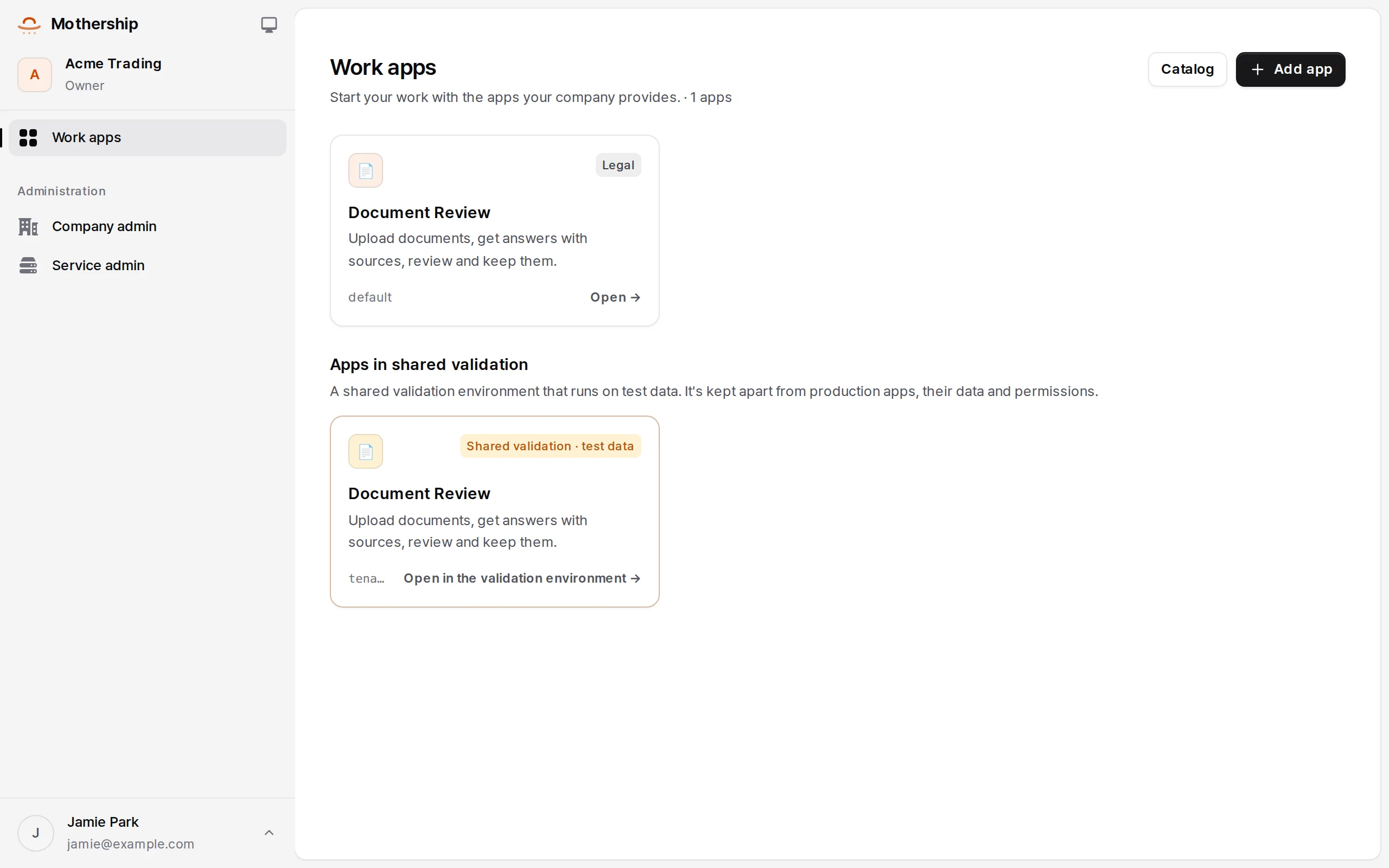
- Belonging to several companies, switch at the top left. Switching reloads the host and unmounts the previous company's apps.
- Sign-in is the company's SSO when it has one, otherwise a six-digit email code. No passwords.
- What an app stores lives in that company, that environment and (as declared) that person only.
Company administrators: company admin
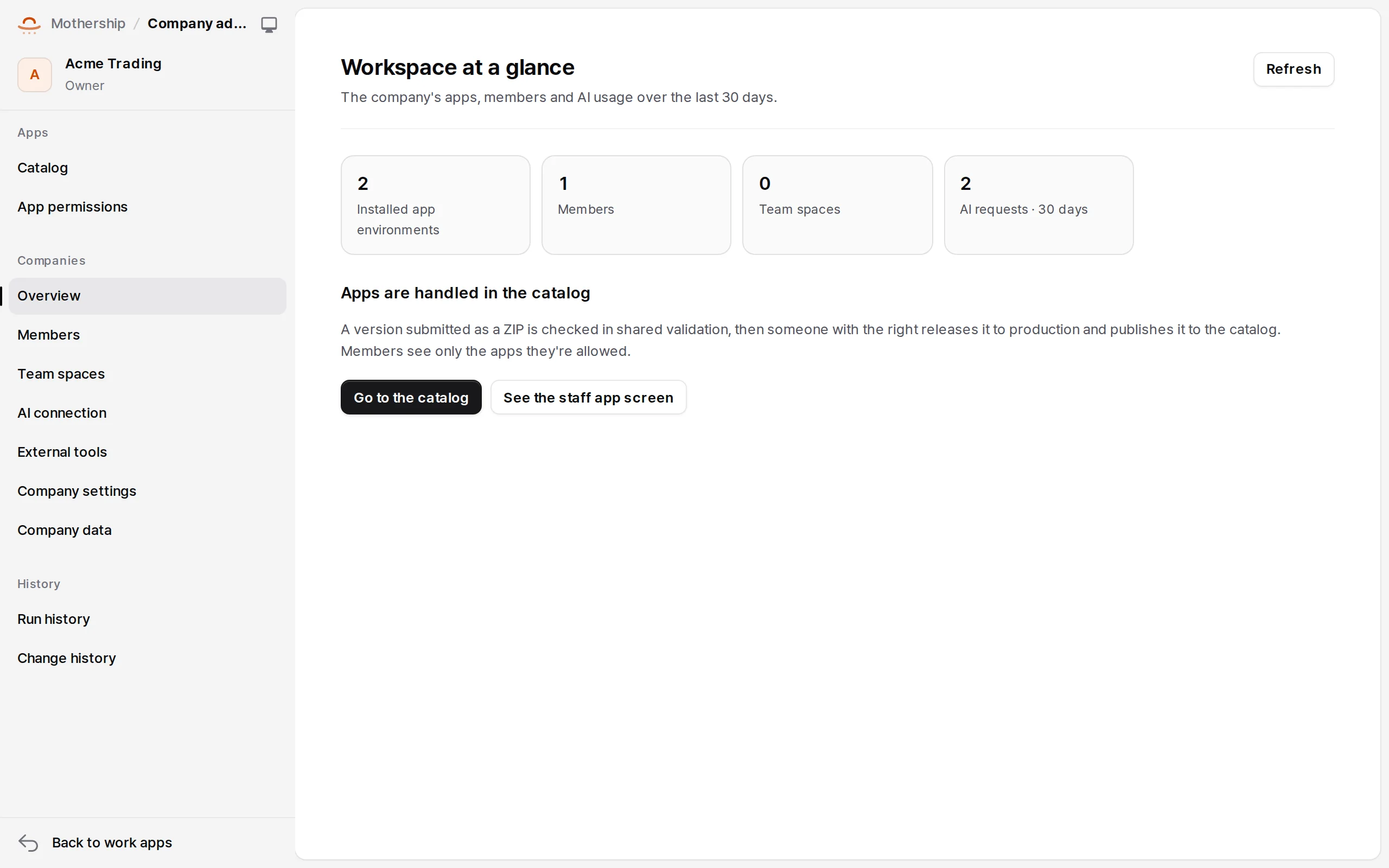
Company admin is an area of its own ("Mothership / Company admin").
| Group | Items | What for |
|---|---|---|
| Apps | Catalog · App permissions | Adding apps and their versions and environments; allowing or denying app claims per member |
| Company | Overview · Members · Team spaces · AI connection · External tools · Company settings · Company data | Invitations and roles, collaboration spaces, a company AI provider, MCP and webhook connectors, allowing Galpi as a development tool, data export (owners) |
| History | Run history · Change history | Jobs, Runtime runs, the audit log |
Members and roles
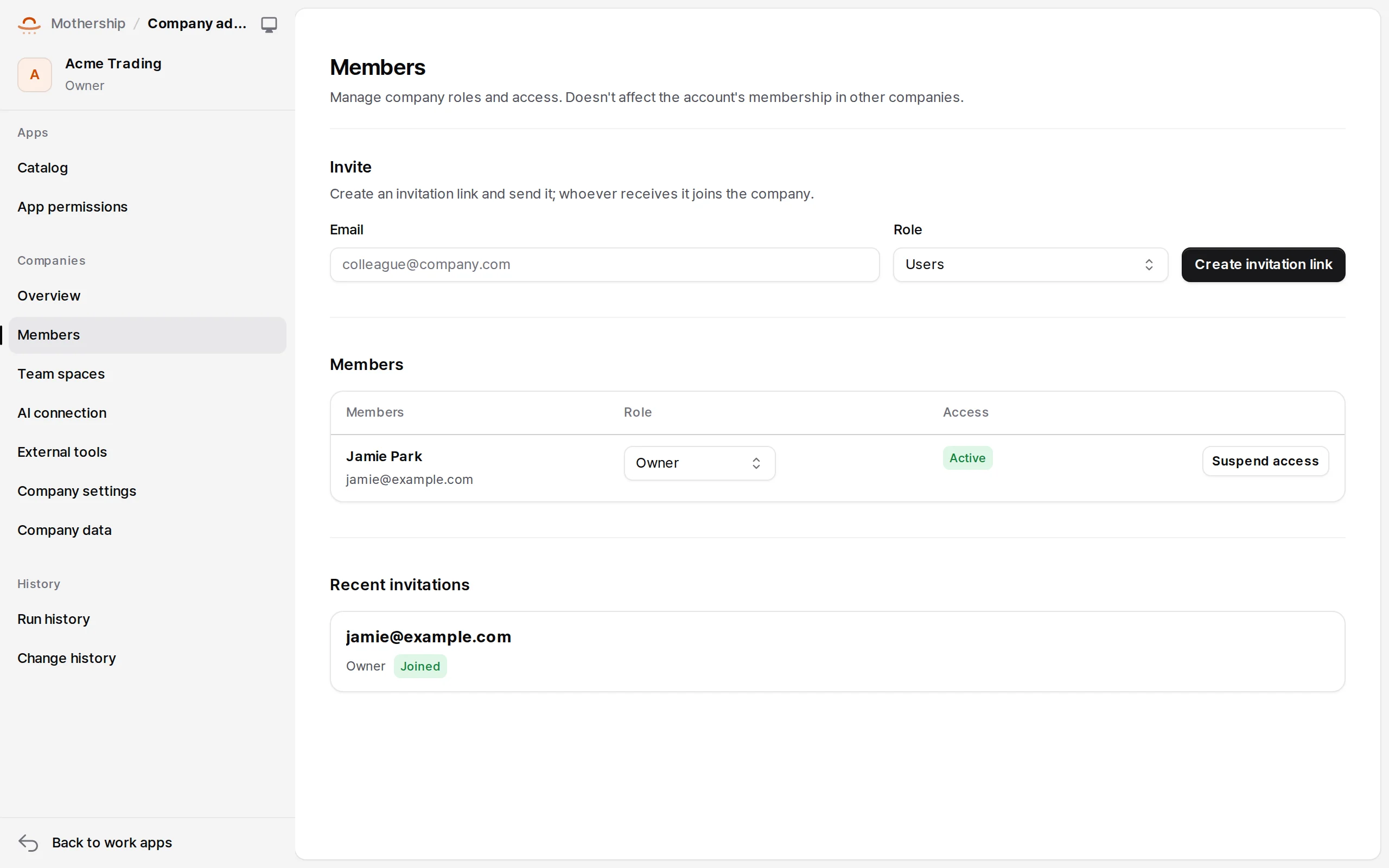
Invite by email in Members. With mail configured an invitation mail goes out, and the page shows the link to pass on too. The invitee opens the link (/join/…), gets a code at that address and accepts.
| Role | Can |
|---|---|
| Owner | Everything in company admin, company data |
| Admin | Members, team spaces, permissions, connections, releasing to production |
| Developer | App development and candidate versions, viewing run history |
| Member | Use the apps open to them |
A company always needs an active owner and administrator; transfer ownership before disabling the last owner. Company roles never grant service operator rights.
App permissions
Choose a member and allow, deny or reset a claim an app declares. An explicit deny beats defaults and allows. Claims keep their names across releases and apply to both environments. Who may open an app (its audience) is set per installation.
AI connection and external tools
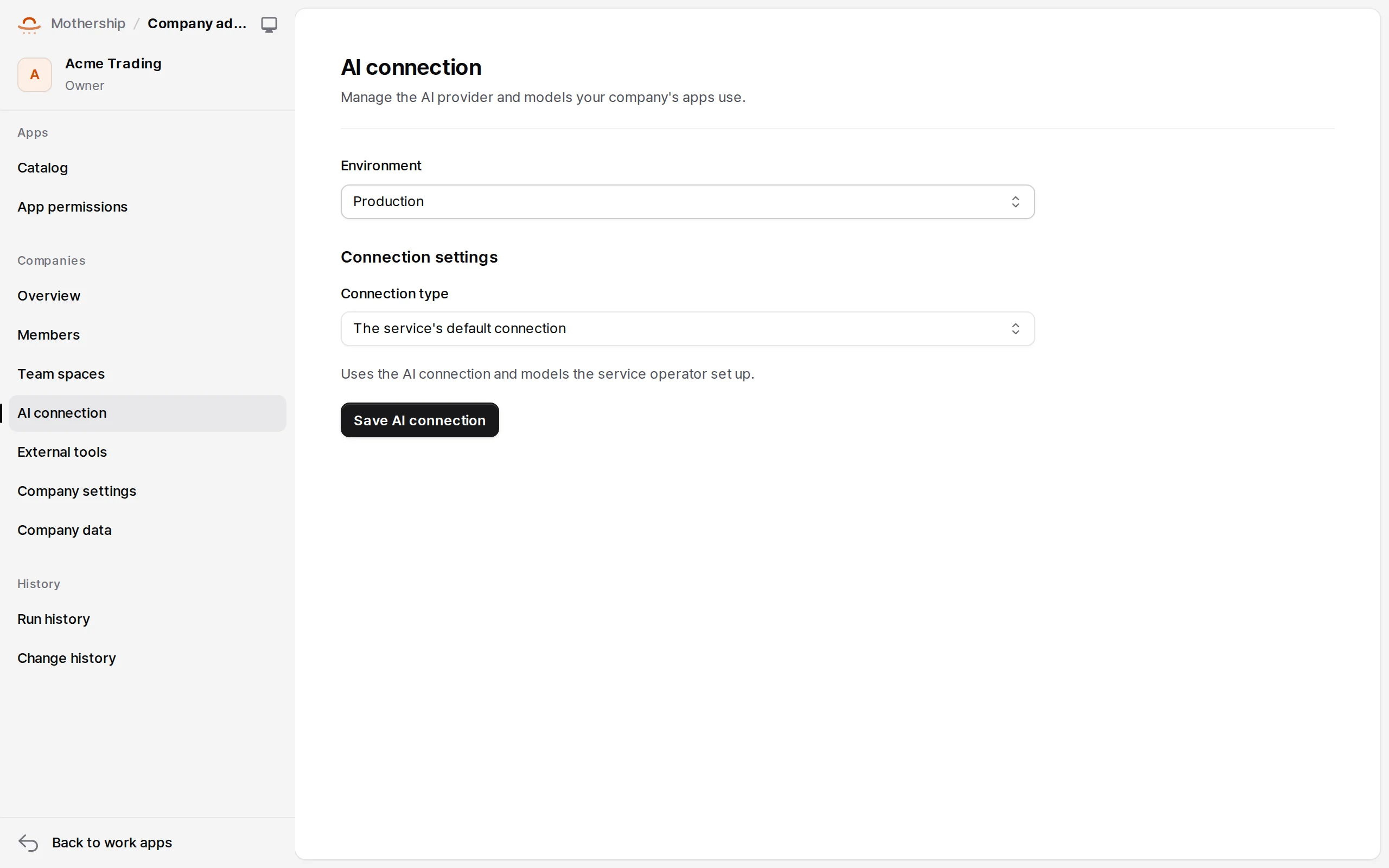
- AI connection: use the service's provider, or add the company's own OpenAI-compatible provider (only origins the operator approved), stored encrypted. → AI
- External tools: register company MCP and webhook connectors, sync MCP tools and approve them one by one. Naru toolsets connect here. → External tools and files
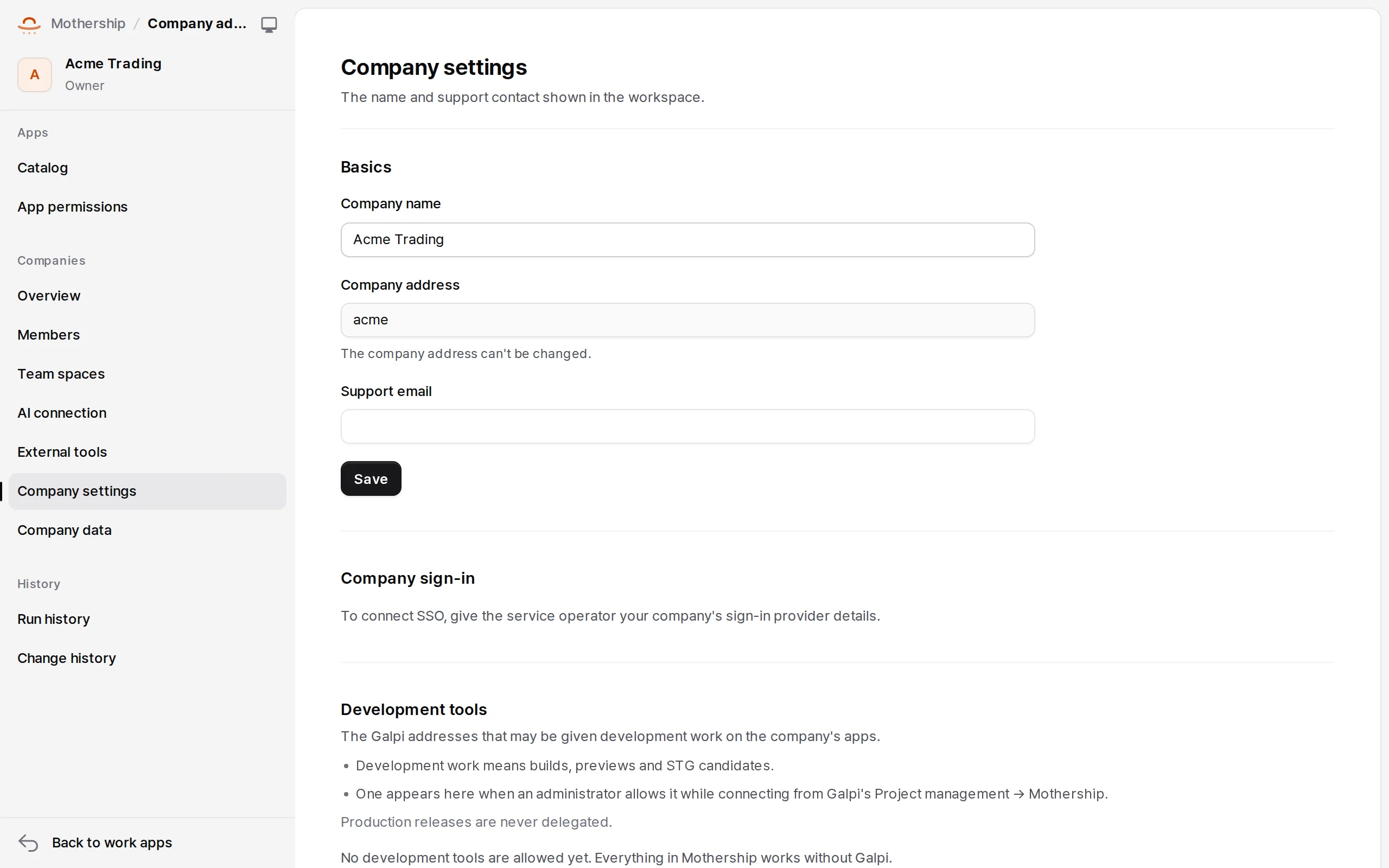
Company settings
The company's name and address, its logo, and Development tools (allow a Galpi address as this company's development tool, and turn it off or on).
Service operators: service admin
Service admin is for operators only.
| Group | Items |
|---|---|
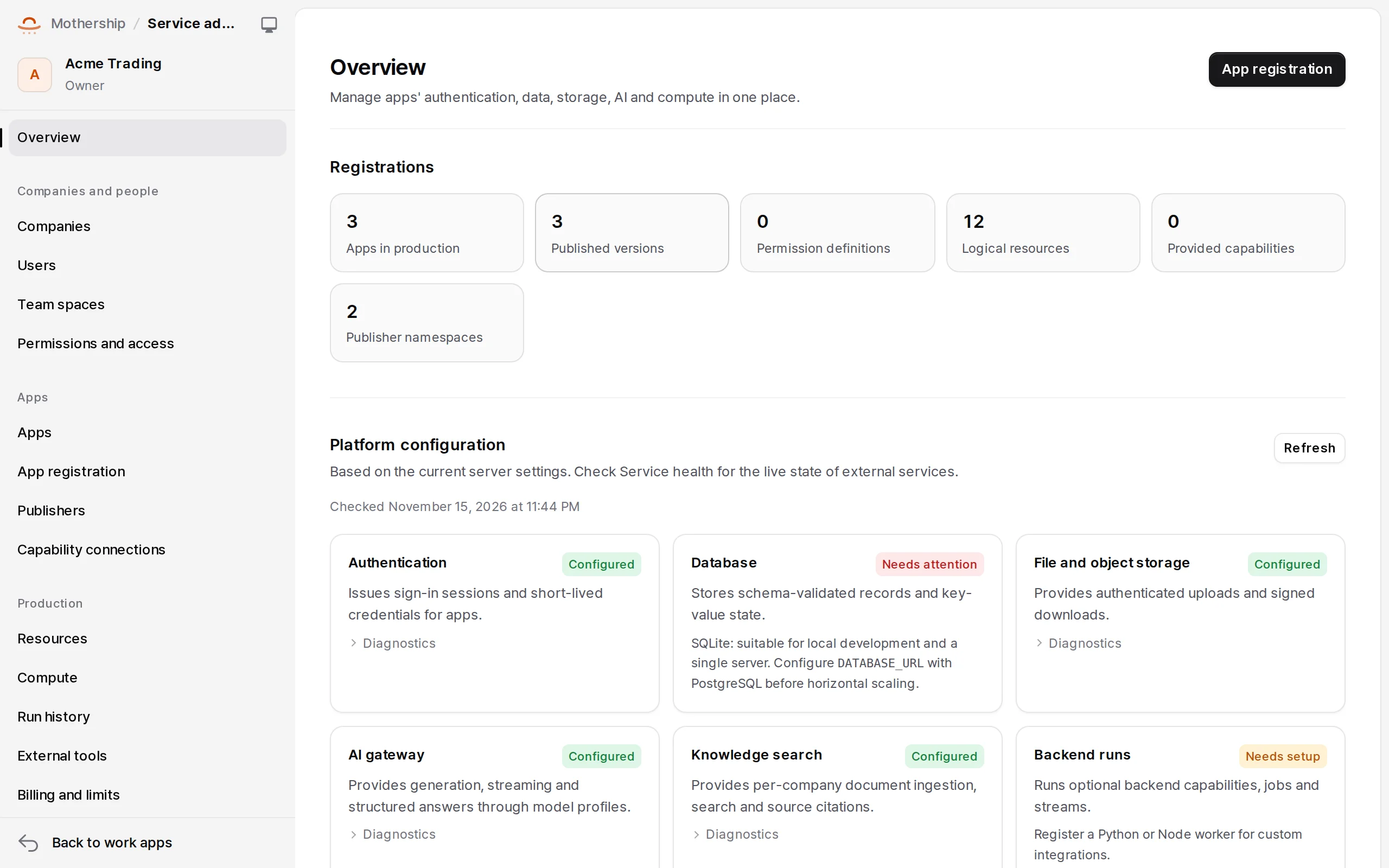
| Overview (service configuration, stored data, file and job counts, 30-day AI usage) | |
| Companies and people | Companies · Users · Team spaces · Permissions and access |
| Apps | Apps · App registration · Publishers · Capability connections |
| Operations | Resources · Compute · Run history · External tools · Billing and limits |
- Opening a company: in Companies, open one with its name, address and owner email. With mail configured the owner invitation is mailed; the page also shows the link. It works once within seven days. Per-company OIDC sign-in is set on the same page.
- App registration: operators upload a frontend ZIP or connect an external backend URL. Registering a frontend by URL isn't supported.
- Billing and limits: optional (
MOTHERSHIP_BILLING_ENABLED=true): model prices, prepaid credits, monthly quotas, per-person and per-app limits, concurrent requests.