Mothership
External tools and files
A company's MCP connectors and webhooks, file and object storage, document conversion and artifacts.
External tools (MCP connectors)
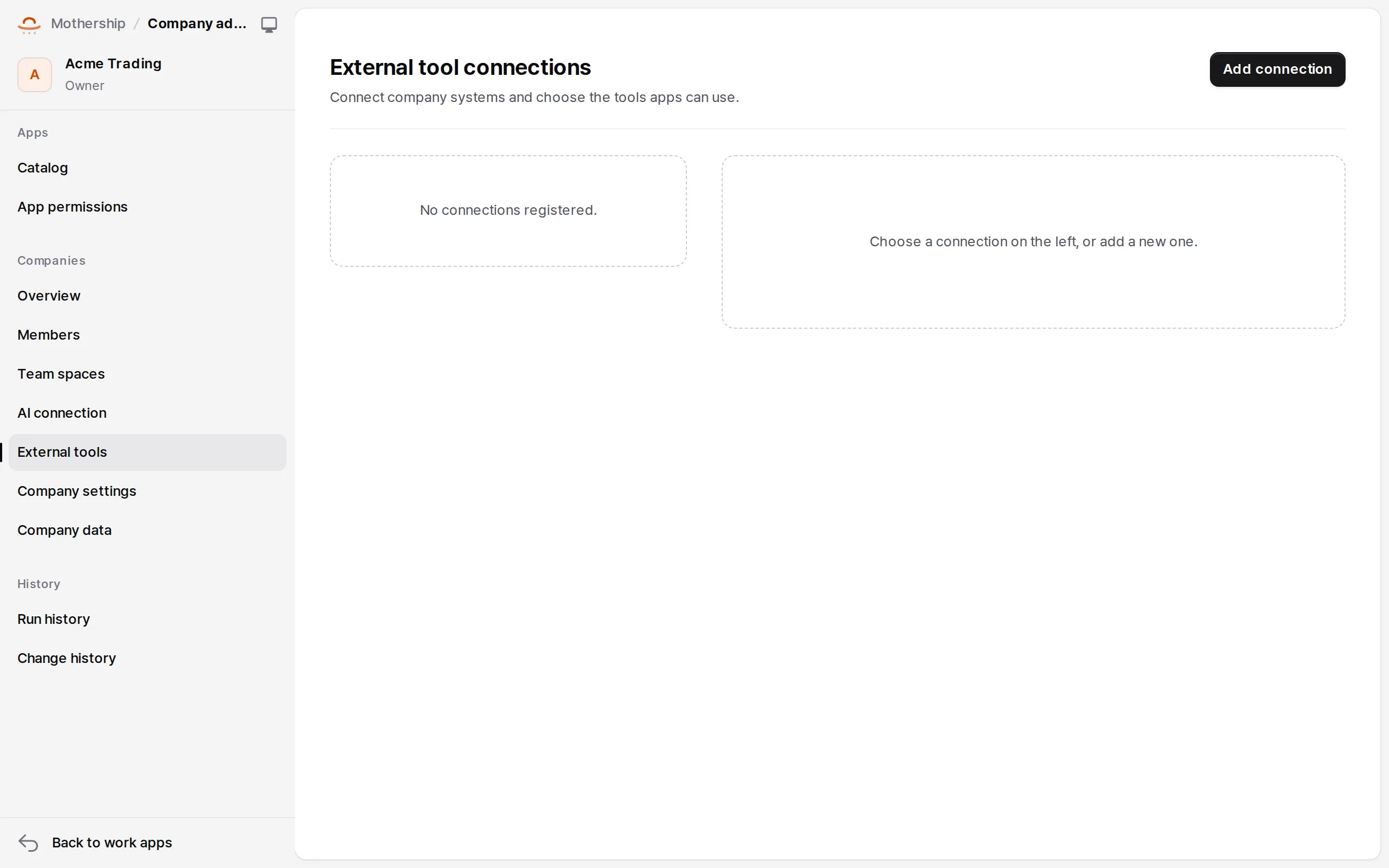
A company administrator registers MCP Streamable HTTP servers (protocol 2025-11-25) or webhooks in Company admin → External tools. Only origins the operator approved work (MOTHERSHIP_TENANT_ALLOWED_INTEGRATION_ORIGINS, NARU_URL).
- New connection — name, address, credentials (stored encrypted, never shown again), risk.
- Sync — read the server's tools.
- Approve tools — allow tools one by one and choose which apps may use them.
Apps declare a narrower request in their manifest.
"connector_requests": [{ "id": "search", "tools": ["find"], "required_claims": [] }]
const { tools } = await ctx.api.connectors.listTools("search");
const result = await ctx.api.connectors.invoke("search", "find", { query: "report" });
- An app can use the intersection of the company's approval and its own request. A Runtime profile can list
connector:search/findin itstool_set. - Calls use pinned DNS addresses, no redirects, and size and time limits (
MOTHERSHIP_CONNECTOR_TIMEOUT_SECONDS, default 30). A company CA goes inMOTHERSHIP_INTEGRATION_CA_BUNDLE. - Connectors in shared validation and preview never use production secrets; connect them per environment.
Naru toolsets
Naru connects as one of the company's external tools, and apps call legacy systems in the person's name. Mothership sends a signed assertion of who is calling; Naru signs in to the legacy system as that person. → Connecting the products
Files and objects
| API | What |
|---|---|
ctx.api.files.* |
Upload (sha256, size cap MOTHERSHIP_FILE_MAX_BYTES, default 10 MiB) and short-lived signed downloads |
ctx.api.objects.* |
Key/value storage for resources declared api: "storage.objects" (versions, cursors, user_private) |
With MOTHERSHIP_S3_BUCKET set, blobs go to an S3-compatible bucket (AWS S3, MinIO, R2); otherwise to the database. Downloads always go through the gateway, which re-checks the current session, membership, installation and source permissions. HTML and SVG download as attachments, so they never run on the gateway's origin.
Document conversion and artifacts
POST /api/v1/files/{fileId}/convert returns 202 {jobId} and document_worker does the work.
| Source | text/plain |
application/pdf |
|---|---|---|
| UTF-8 text, JSON, XML, YAML | Text | Wrapped text pages |
| DOCX, PPTX | Paragraphs / slide text | text_reflow (the original layout isn't kept) |
| Native text, OCR for pages without | The validated original | |
| PNG, JPEG, TIFF, WebP, BMP | Tesseract OCR (eng+kor) | Image pages, aspect ratio kept |
Artifacts are real files (document, slide, spreadsheet, image, dataset, package). Only their owner and the app that started the job can download them.
Backend workers
For company-specific integration or computation, deploy Golden Image's Python (FastAPI) or Node worker and connect it in Catalog → External backend connection · advanced with its URL and a pre-shared signing key. → Golden Image backends