Mothership
Run it locally
Start Mothership on SQLite, open a company, upload Golden Image's example app and publish it to the employee catalog.
What you need
- Python 3.12+, Node.js 22.13+, pnpm 11.20.0
- (optional) OCR and PDF conversion:
sudo apt-get install tesseract-ocr tesseract-ocr-eng tesseract-ocr-kor poppler-utils
The SDK archives ship in vendor/, so it builds without the sibling repository.
Start it
make backend-install      # .venv and backend dependencies
make frontend-install     # the host console (frontend/)
cp -n .env.example .env
make migrate
make demo                 # development only: admin@example.com operator, demo company
make dev                  # :8000 (API, console build watcher and workers together)
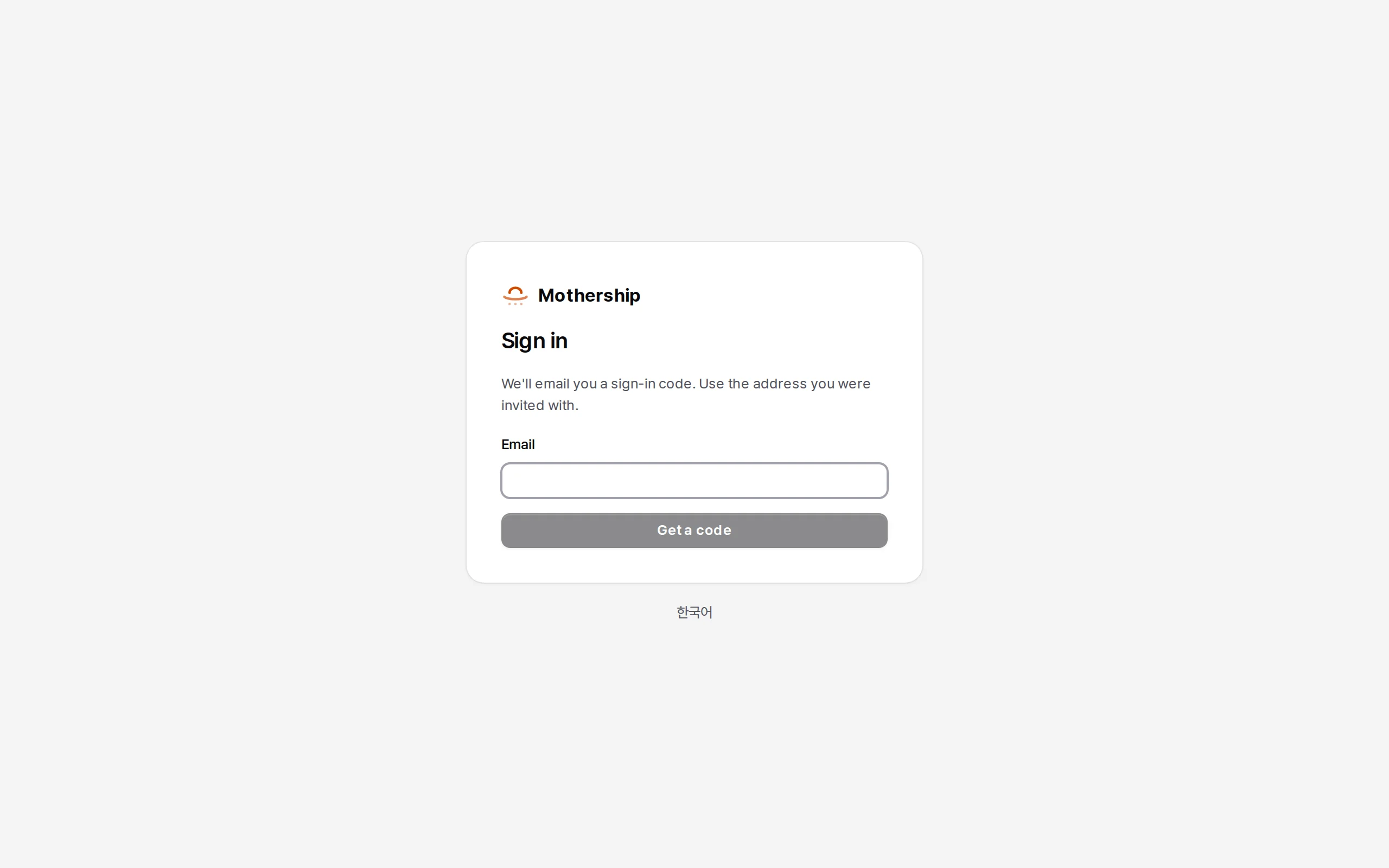
Open http://localhost:8000/login and enter admin@example.com. Without SMTP the six-digit code is printed in the server log.
make devruns the ASGI gateway, the console build watcher (vite build --watch) and the background workers.make dev-apiandmake dev-workersrun them separately.- To make your own address an operator, put it in
ADMIN_EMAILSin.envand runpython backend/manage.py ensure_operators.
Open a company and upload an app
The make demo account is a service operator and a plain member of the demo company, so it can't add apps there. Open a company of your own.
-
In Service admin → Companies and people → Companies, enter a company name, its address (slug) and the owner's email, then Open company. Open the invitation link shown and choose Accept the invitation and start.
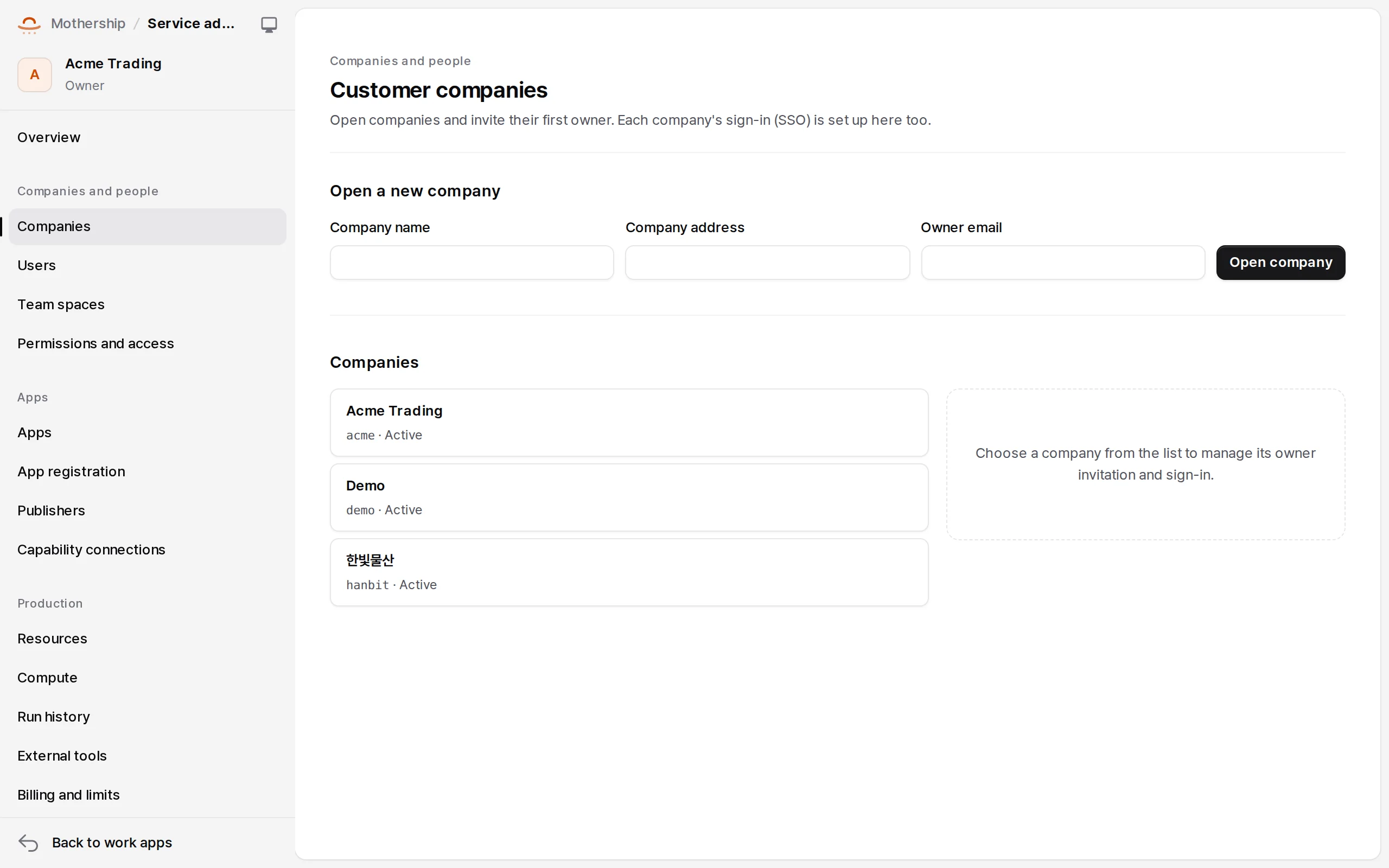
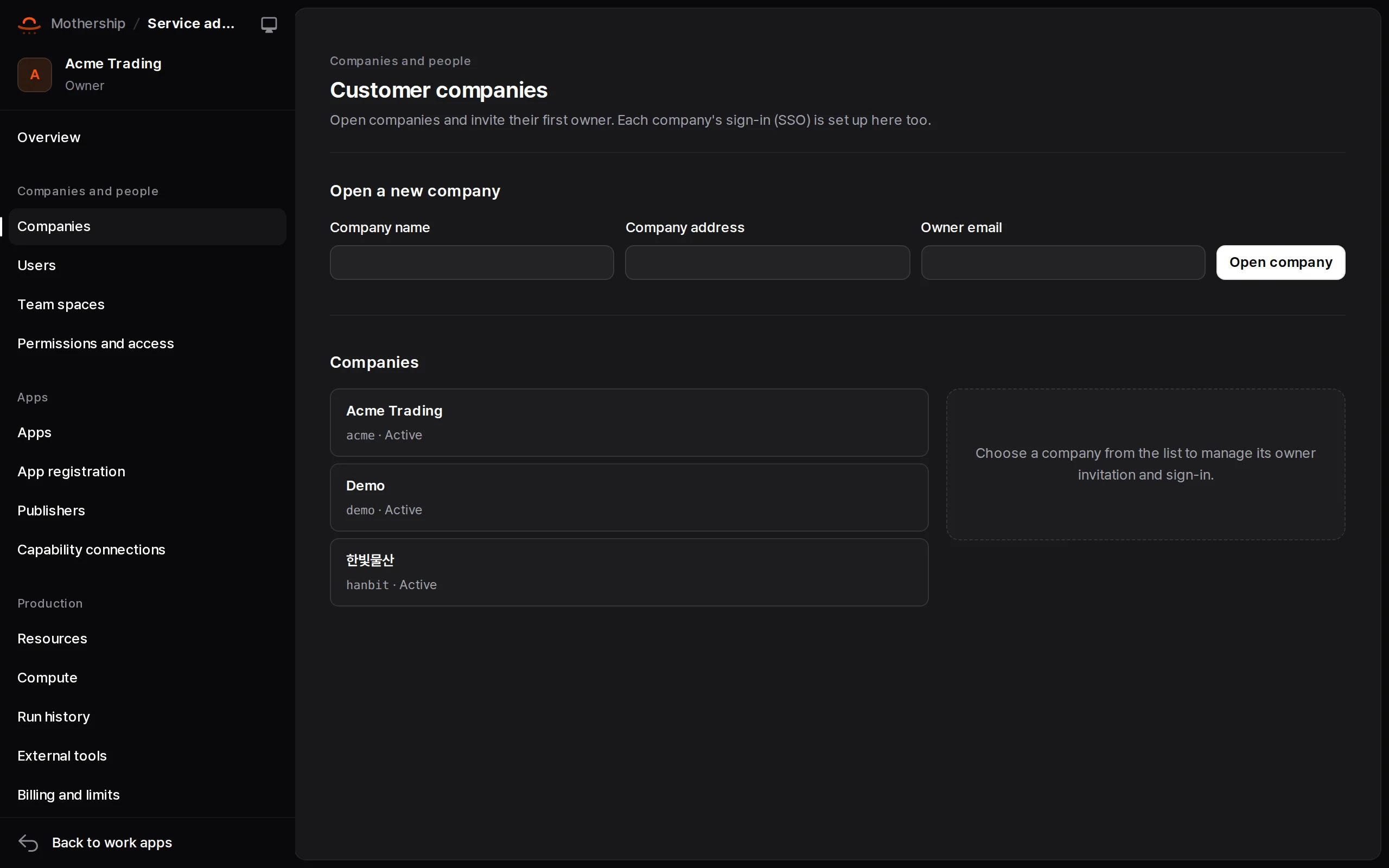
Service admin → Companies. Open a company and invite its first owner. -
Build the example app in the sibling repository.
bash(cd ../golden-image && make setup && make build) -
In Work apps → Catalog → Add app, upload
golden-image/frontend/dist/my-project-<version>.zip. It becomes the candidate version of a new app. -
In the app's Versions & environments tab: Submit as a review candidate → Send to shared validation → approve → Release to production. → Shipping apps
-
In Catalog details, set the name and description and turn on Publish in the production catalog. The app appears under Work apps.
Turning on models
The example app's questions and knowledge search need a model. Put an OpenAI-compatible server in .env and restart. A company can also set its own in Company admin → AI connection.
MOTHERSHIP_AI_API_KEY=sk-...
MOTHERSHIP_AI_BASE_URL=https://llm.example.com/v1   # empty: api.openai.com
MOTHERSHIP_AI_MODEL_SMART=<model>                    # fast and deep fall back to smart
MOTHERSHIP_AI_MODEL_EMBEDDING=<embedding model>      # optional: without it search is lexical only
See Production install for servers, and Using Mothership for the company admin screens.
Tests
make test     # pytest + console vitest
make check    # ruff + console type check