Naru
Systems and authentication
Register each legacy system per environment (dev/prod) and chain auth plugins to handle sign-in, signing and session renewal.
Systems
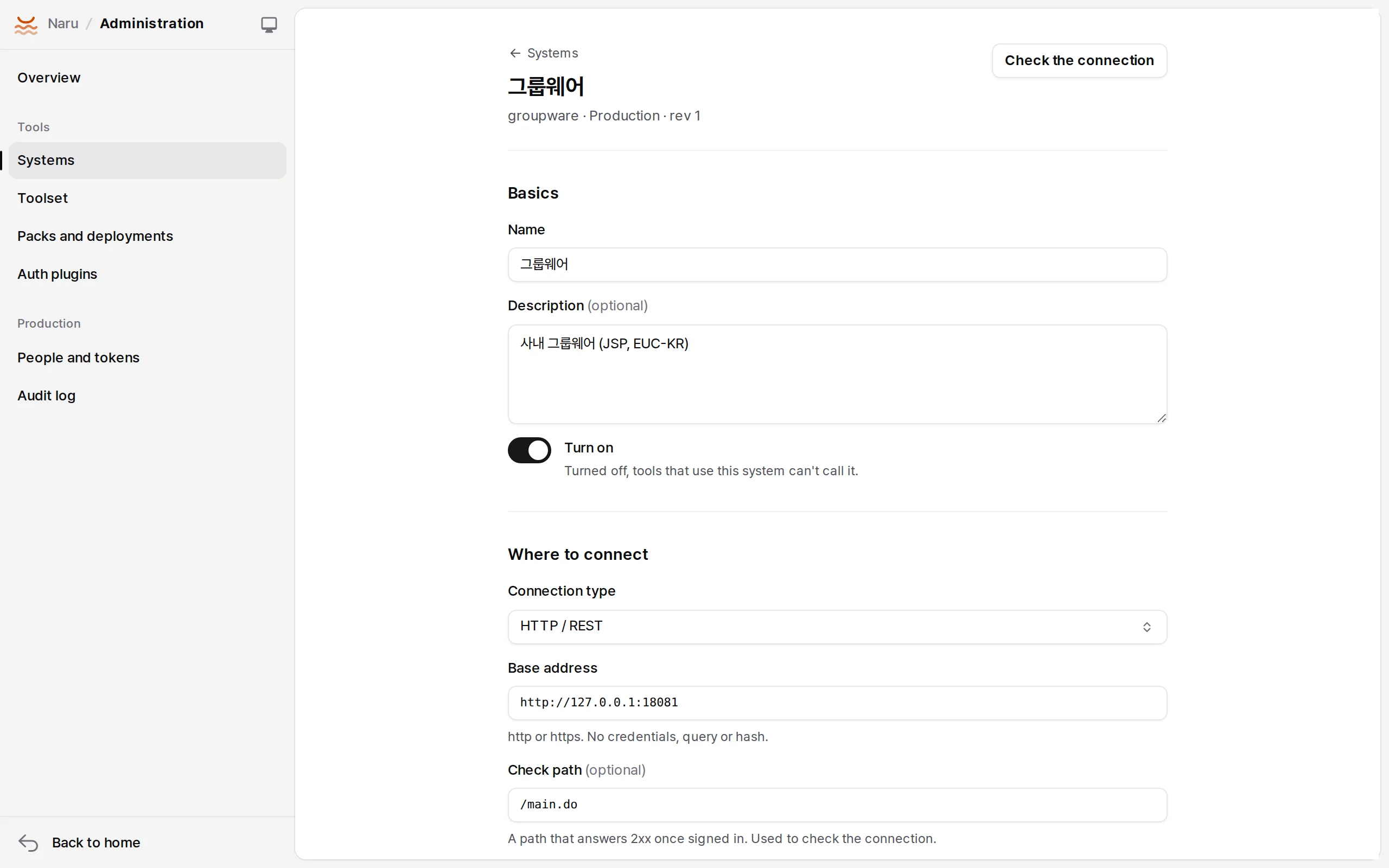
A system is one legacy system's address, driver, credential mode and auth chain. Packs declare only a system's name and driver; administrators register the address and authentication per environment (dev/prod).
| Field | Meaning |
|---|---|
slug, env |
Name and environment. The same slug exists separately in dev and prod |
driver |
http, soap, sql (PostgreSQL, MySQL, SQL Server, Oracle, SQLite), jdbc (Tibero, Altibase, CUBRID, DB2 through the Java sidecar) |
endpoint |
baseUrl and a check path probe (SQL: dialect, host and database, or url) |
transport |
charset (EUC-KR …), readOnly, tls, proxy, protection settings |
mode |
service, onbehalf, personal |
serviceAccount |
The shared integration account (service, onbehalf) |
accounts |
How a person's legacy account is found: employeeNo (default), email, emailLocal, userId, table (a mapping uploaded by an administrator) |
auth |
Auth plugins, in order |
Secrets never go in the system definition. Enter them separately with Save the system secrets or naru-admin systems secret <id> <name> (value on standard input); they never come back through the API, screens or logs.
Check the connection (naru-admin systems test <id>) really signs in and sends the probe.
Auth plugins
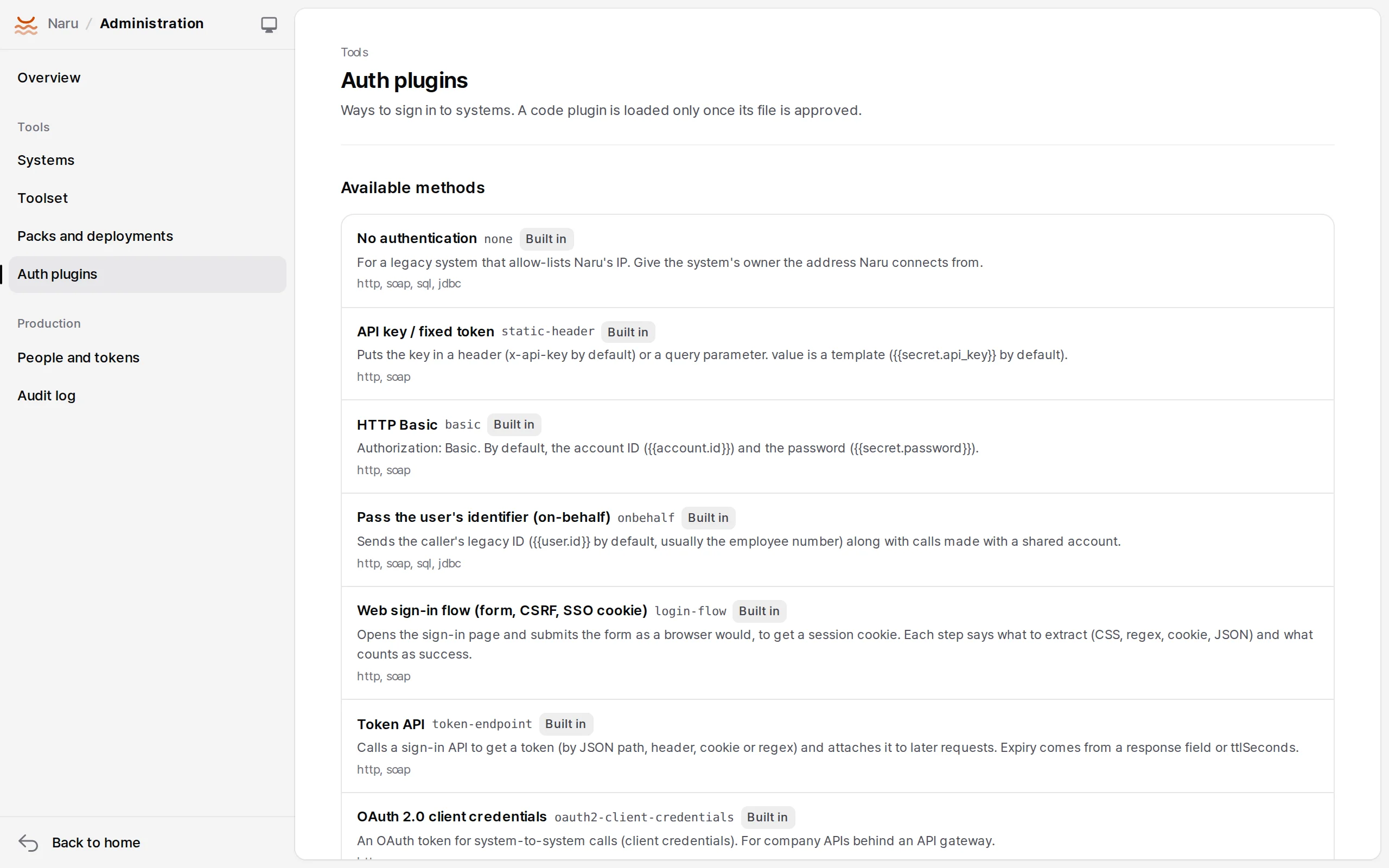
| Plugin | For |
|---|---|
none |
No authentication (the outgoing IP allowlist only) |
static-header |
API keys, fixed tokens |
basic |
HTTP Basic |
onbehalf |
Shared account + the caller's employee number in a header, SOAP header or DB session |
login-flow |
Web sign-in: multi-step forms, CSRF, EUC-KR, SSO redirects, cookies, expiry detection |
token-endpoint |
A company sign-in API → JSON path → header |
oauth2-client-credentials |
OAuth 2 client credentials |
oauth2-code |
Each person signs in to the legacy OAuth (personal) |
hmac-signature |
Request signing (external partners, API gateways), KST timestamps |
ws-security |
SOAP UsernameToken |
db-password |
Database account password |
ntlm |
Windows integrated authentication |
kerberos |
SPNEGO (Java sidecar, keytab) |
Settings are templates: {{account.id}}, {{user.id}}, {{secret.password}}, {{principal.employeeNo}}, values extracted by earlier steps ({{csrf}}), and filters (|base64, |sha256, |urlencode …).
auth:
  - plugin: token-endpoint
    config: { request: { url: /auth/token, json: { clientId: "{{account.id}}", clientSecret: "{{secret.client_secret}}" } }, token: { json: data.accessToken }, expiresIn: data.expiresIn }
  - plugin: hmac-signature
    config: { timestamp: { format: yyyyMMddHHmmss, timezone: Asia/Seoul } }
  - plugin: onbehalf
    config: { header: X-EMP-NO }
Code plugins
Authentication that configuration can't express (say, encrypting the password with an RSA key from the sign-in page) becomes a code plugin. Bundle it into one file in NARU_PLUGINS_DIR; it loads only after an administrator approves its digest, and goes back to pending when the file changes. Example: examples/plugins/rsa-form-login.
Linking people's accounts (personal)
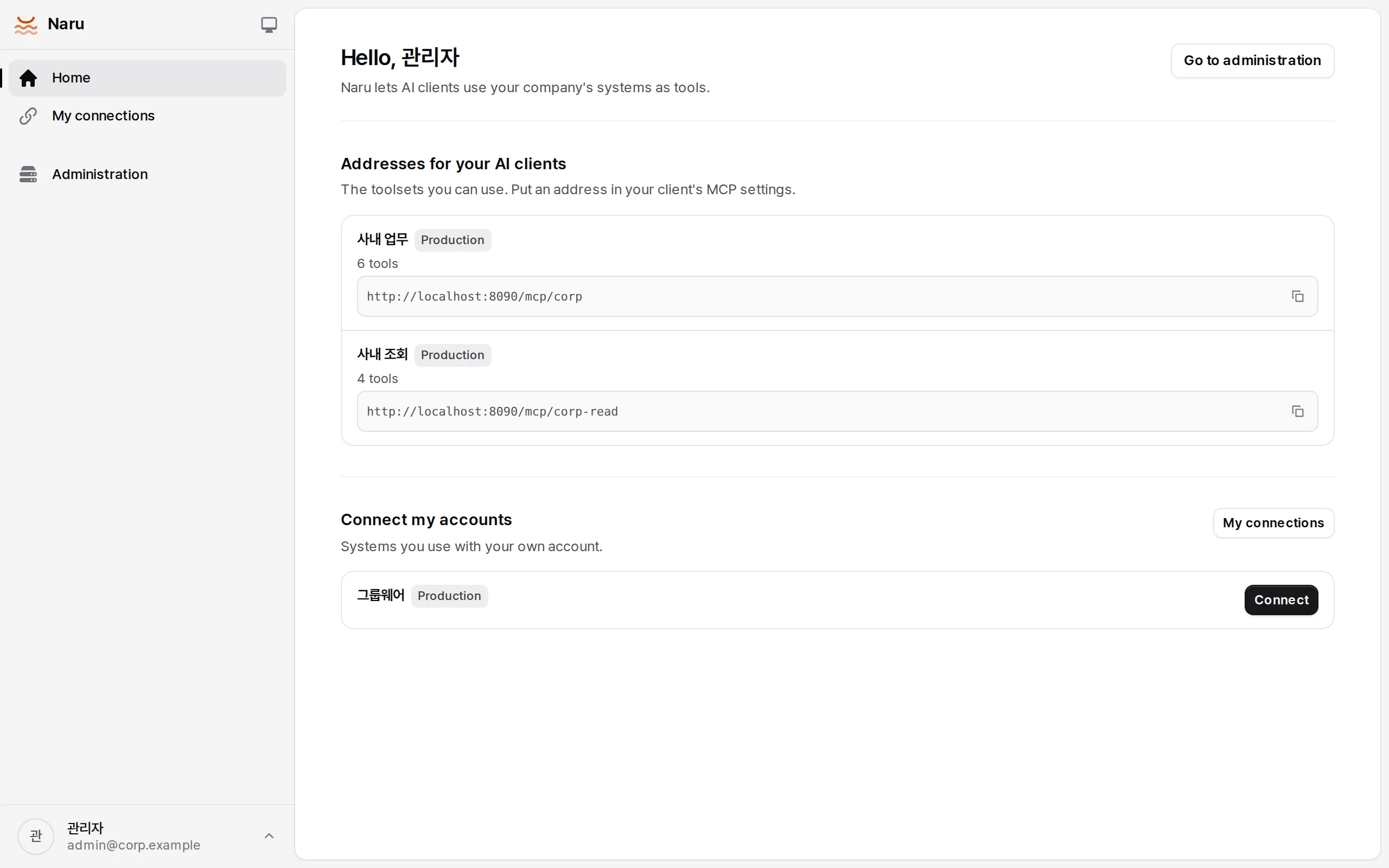
On personal systems everyone uses their own account. Someone who hasn't linked one gets auth_required with a link (/connect/<system>; clients that support URL elicitation get JSON-RPC -32042). They enter the account under Connect my accounts on Naru's home page, and Naru signs in on the spot and saves it only if that works.
Protecting legacy systems
| Setting | Default |
|---|---|
maxConcurrency |
8 (more callers wait) |
ratePerMinute |
600 |
breaker |
30-second pause after 5 failures in a row |
timeoutMs |
30 seconds |
Lower them for fragile systems (batch windows, for example). Output goes through schema checks, a size limit (512 KiB by default) and masking.