Naru
Try it locally
Run Naru with a fake groupware, ERP and HR database, register the systems, deploy the example packs and call them from an MCP client.
Start it
You need Node.js 24 and pnpm.
corepack enable && pnpm install
pnpm --filter @naru/sdk run build
mkdir -p data && node examples/legacy-mock/src/main.ts &   # fake groupware (:18081), ERP (:18082), HR DB
NARU_DEV=1 NARU_ALLOW_LOOPBACK=1 ADMIN_EMAILS=admin@corp.example pnpm dev:server   # :8080
- The fake legacy writes its HR database to
./data/hr.sqlite(change it withHR_DB), so thedata/folder must exist first. NARU_ALLOW_LOOPBACK=1lets Naru reach the fake systems on localhost. Development only.- If something else uses 8080, set
PORT=8090 PUBLIC_URL=http://localhost:8090.
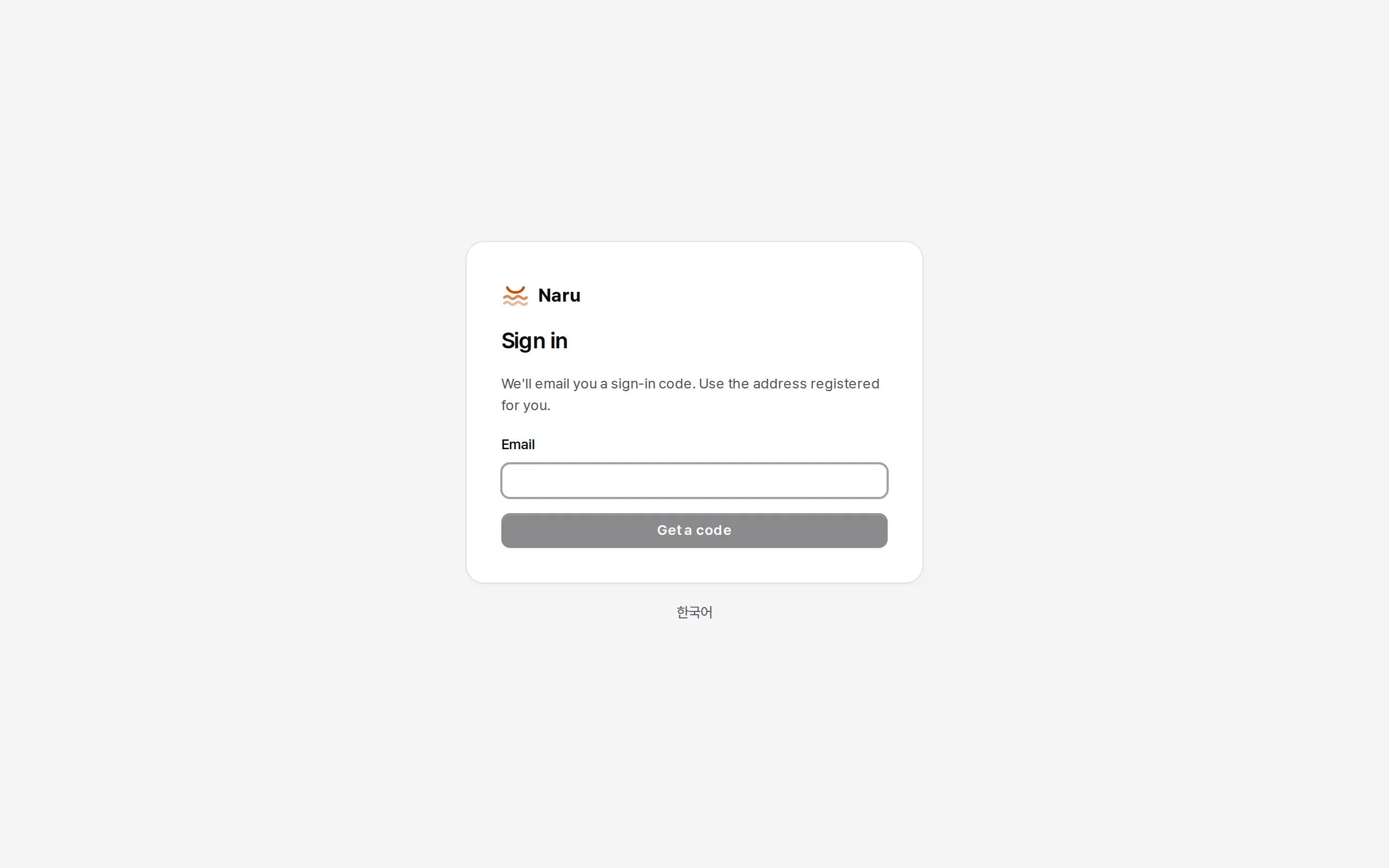
Open http://localhost:8080/admin and enter admin@corp.example. Without SMTP the code and link are printed in the server log.
An admin token and naru-admin
Everything works in the screens too, but configuration files are quicker. In Administration → People and tokens → Tokens → Issue a token, issue a Personal token (naru_pat_…) for yourself.
export NARU_URL=http://localhost:8080 NARU_TOKEN=naru_pat_…
alias naru-admin="node $PWD/packages/cli/bin/naru-admin.js"   # once, from the repository root
naru-admin lives in packages/cli. From a checkout it runs on plain Node after pnpm install, and the Naru image has it too (docker compose exec naru naru-admin --help).
Register systems
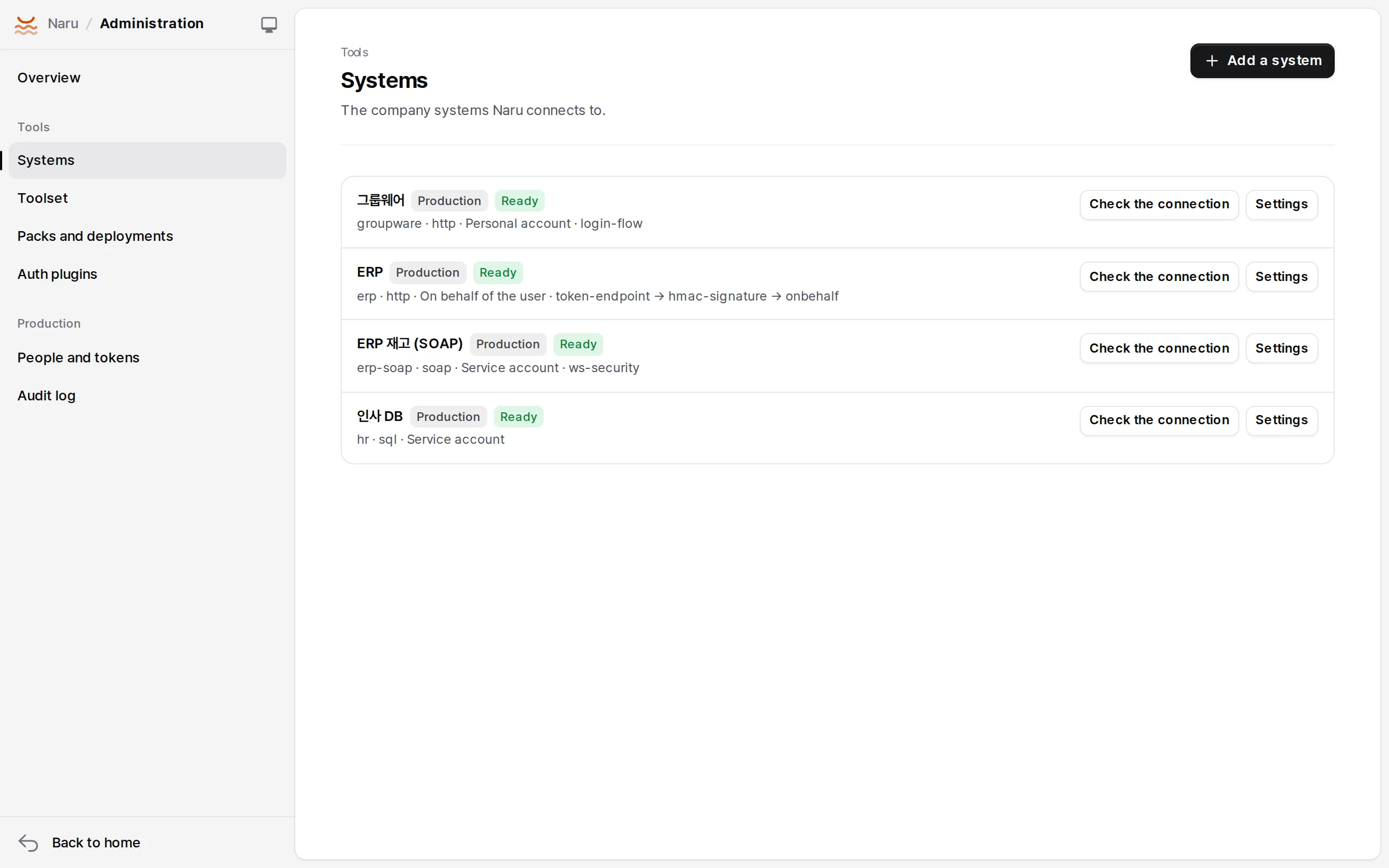
Put several systems in systems.yaml, separated by ---. Here are the fake groupware (personal, EUC-KR, form sign-in with CSRF) and the HR database (service, read-only).
slug: groupware
env: prod
name: Groupware
driver: http
endpoint: { baseUrl: "http://127.0.0.1:18081", probe: /main.do }
transport: { charset: euc-kr }
mode: personal
auth:
  - plugin: login-flow
    config:
      steps:
        - { url: /login.jsp, extract: { csrf: { selector: "input[name=_csrf]", attr: value } } }
        - { method: POST, url: /loginProc.do, form: { userId: "{{account.id}}", passwd: "{{secret.password}}", _csrf: "{{csrf}}" }, expect: { bodyNotContains: 로그인 실패, urlContains: /main.do } }
      expired: { redirectTo: /login.jsp }
---
slug: hr
env: prod
name: HR database
driver: sql
endpoint: { dialect: sqlite, file: ./data/hr.sqlite }
transport: { readOnly: true }
mode: service
naru-admin systems apply systems.yaml
naru-admin systems list
naru-admin systems test <id>         # a real sign-in plus the probe
The ERP (token + HMAC REST, WS-Security SOAP) examples are in apps/server/test/e2e.test.ts. Secrets go in on standard input: printf 'erp-client-secret-0001' | naru-admin systems secret <id> client_secret.
Deploy the example packs
Packs are submitted with a development token (a naru_dev_… bound to one pack); production deployment is an administrator's.
naru-admin users add --email hong@corp.example --name Hong --role developer --employee-no 20240001
naru-admin users list                                   # hong's id (usr_…)
naru-admin tokens issue --kind dev --name groupware --pack groupware --user <usr_…>
node packages/sdk/bin/naru.js submit examples/packs/groupware --url $NARU_URL --token <naru_dev_…>
naru-admin packs releases groupware
naru-admin packs deploy groupware prod <releaseId>
Make a toolset
slug: corp
env: prod
name: Company work
include: ["*"]
maxRisk: high
approval: elicitation
masking: [rrn, phone]
naru-admin toolsets apply toolsets.yaml # → http://localhost:8080/mcp/corp
Call it from an MCP client
A toolset address is an MCP server with OAuth 2.1. The first time a client connects, Naru's sign-in opens.
claude mcp add --transport http naru-corp http://localhost:8080/mcp/corp
The first call to groupware_approval_list returns auth_required and a link. Enter the groupware account there (hong / hong-pass-1234) and later calls run as that person.
Tests
pnpm --filter @naru/sdk run build
pnpm -r run typecheck
pnpm -r run test                    # server E2E (MCP SDK client, OAuth, dev MCP, plugins, NTLM), SDK, pack fixtures
sh sidecars/enterprise/build.sh     # Java sidecar build + JUnit
pnpm test:integration               # Docker: PostgreSQL, SQL Server, Oracle Free, a real JVM sidecar