Shared conventions
The sign-in flow, languages, admin areas and environment variable names the three products share.
Sign-in
A company SSO (OIDC) when there is one, otherwise a six-digit code by email. People have no passwords. All three show the same two steps.
- Sign in — enter your email and Get the code. Only the one-line hint differs (Galpi creates an account the first time; Mothership takes invited addresses; Naru registered ones).
- Enter the code — the sixth digit signs you in. Below are Send the code again and Use another email.
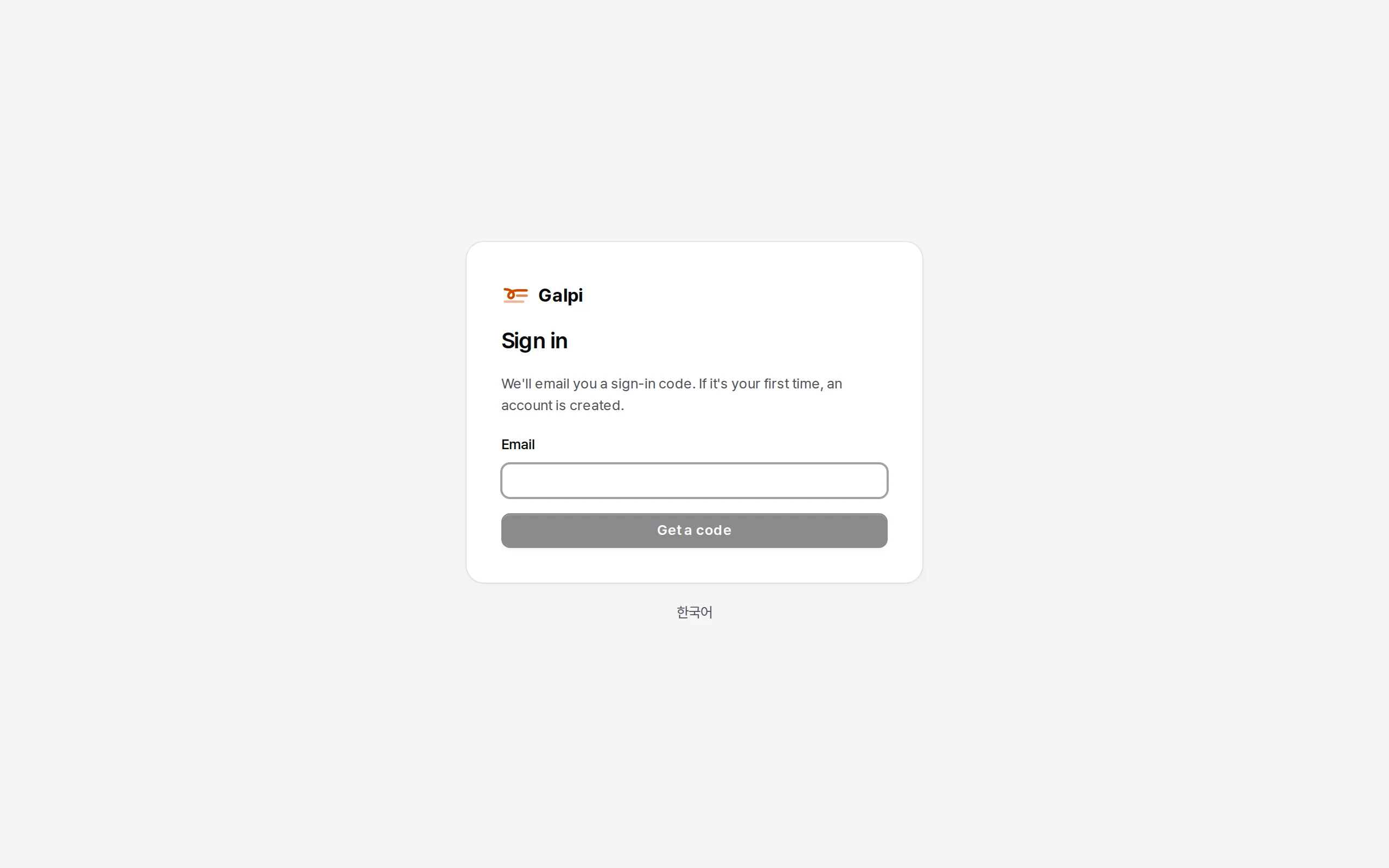
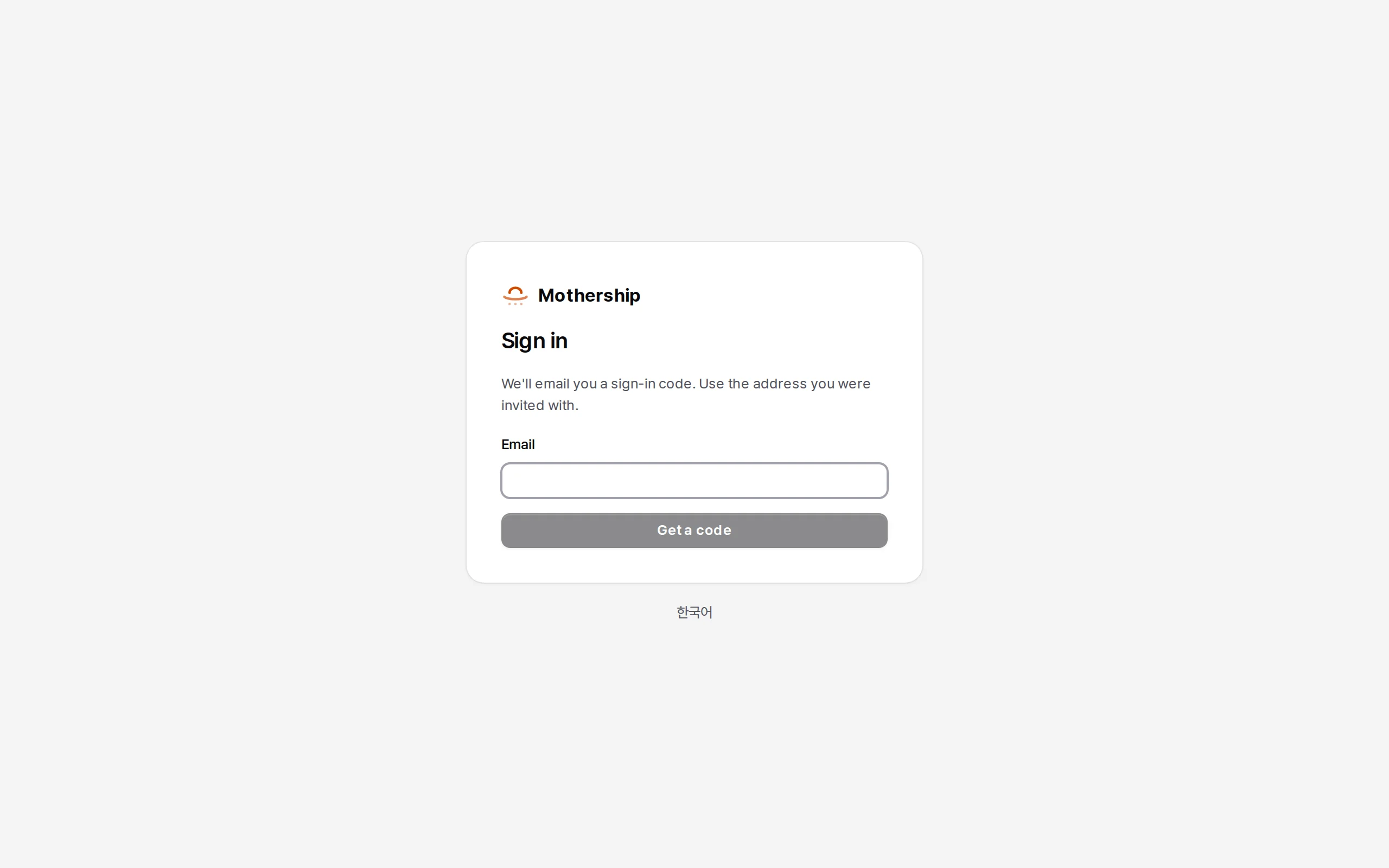
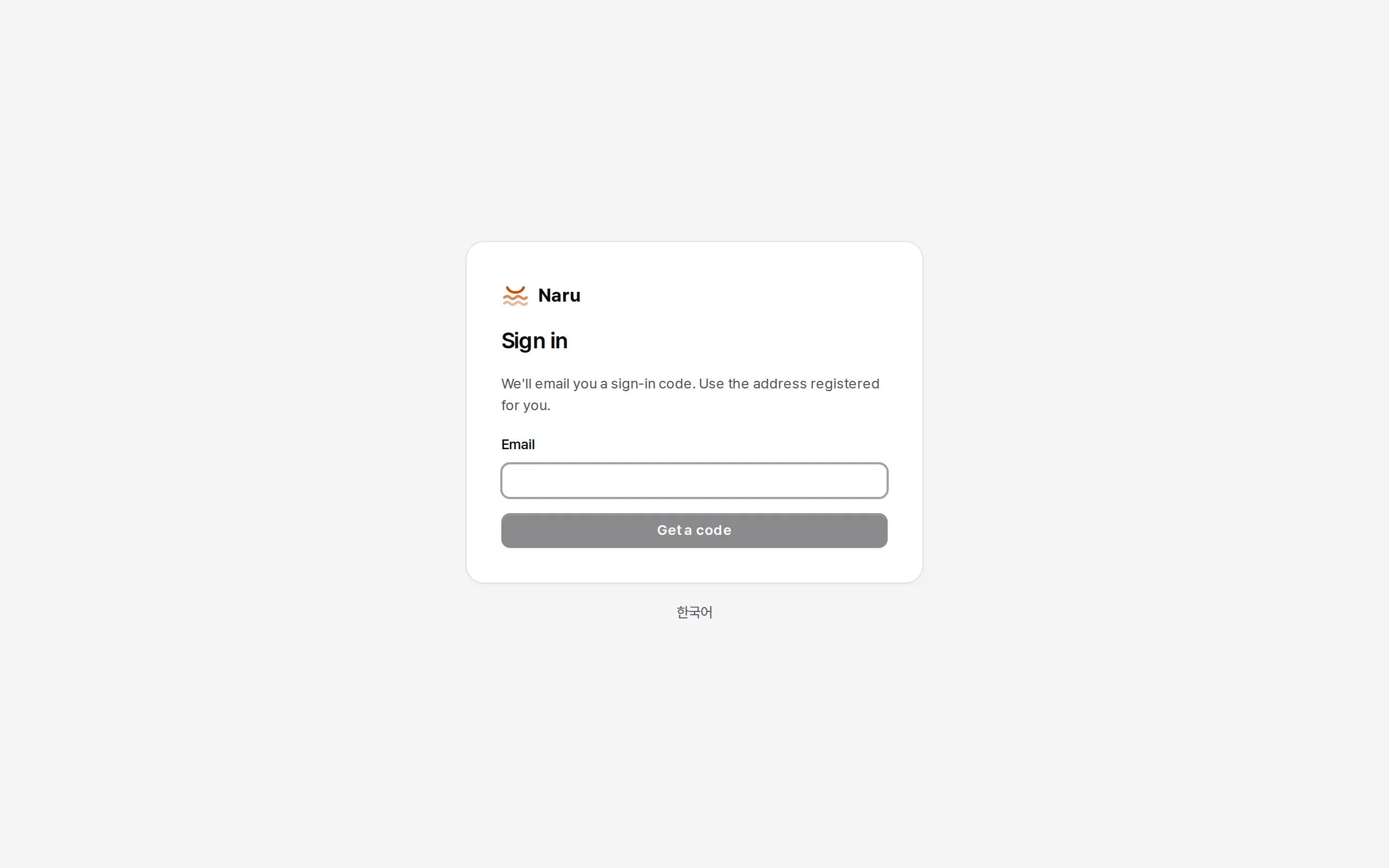
- The link in the mail: the same mail has a link (
/auth/verify). Opening it signs nobody in; it shows who asked (browser, OS, IP, time) and asks "Yes, sign me in". Yes signs in the window waiting for the code. - Company accounts: the button reads "Sign in with your company account" in all three (or "Sign in with
" when named). Accounts are separate per product; register the same company IdP in each and one sign-in carries across. Galpi and Naru take the same OIDC_*variables; Mothership registers SSO per company in its screens.
Language
Korean (default) and English, switched with English / 한국어 on each screen; the default is APP_LANG. The names next to the logos stay Galpi · Mothership · Naru in both languages.
Screens
- Galpi is the reference: Catalyst's zinc colours, Pretendard, black-and-white primary buttons, a touch of orange. The orange is the same in every product (
#d04a02on light,#fd5108on dark and in the icons). The other two copy Galpi's values without depending on it at runtime. This site is drawn with the same values. - Admin areas open as separate areas ("Galpi / System admin", "Mothership / Company admin", "Naru / Administration"): product and area in the head, a grouped list, one way back at the bottom.
- Saving: settings pages have a save bar; switches in lists save at once and say so. Widening a scope asks first.
- Confirmations: the title is a question naming the target, then what will happen as a short list, and "can't be undone" last when it applies. The safe button comes first.
- Theme: light → dark → system.
Errors
API errors carry a language-independent code. Screens decide by the code and only display the message. Scripts should look at the code too.
Environment variable names
A setting the three share has one name, Galpi's. Settings only one product has start with its name (MOTHERSHIP_…, NARU_…). Older names keep working; when both are set, the older (product-specific) one wins.
| Family name | Meaning | Galpi | Mothership | Naru |
|---|---|---|---|---|
PUBLIC_URL |
The address people open | as is | formerly MOTHERSHIP_PUBLIC_URL |
as is |
PORT |
Port to listen on | as is | as is | as is |
DATA_DIR |
Data folder | as is | n/a (DATABASE_URL) |
as is |
SECRETS_KEY |
Seals stored secrets | as is | formerly MOTHERSHIP_SECRET_ENCRYPTION_KEYS |
formerly NARU_SECRETS_KEYS |
ADMIN_EMAILS |
Made administrators at start | as is | operators | as is |
SMTP_URL, MAIL_FROM |
Mail server and sender | as is | formerly MOTHERSHIP_EMAIL_* |
as is |
APP_LANG |
Default language | formerly GALPI_LANG |
new | formerly NARU_LANG |
LOGIN_METHODS |
email, oidc, email,oidc |
as is | n/a (per company in the screens) | new |
OIDC_* |
Company accounts (SSO) | as is | n/a | formerly NARU_OIDC_* |
S3_* |
File storage | as is | formerly MOTHERSHIP_S3_* |
n/a |
LLM_BASE_URL, LLM_API_KEY, LLM_MODEL |
Model server | as is | only with LLM_API_FORMAT=openai |
n/a |
MODE_FAST_MODEL, MODE_SMART_MODEL, MODE_DEEP_MODEL |
Per-tier models | create those modes | the tier of that name (openai format) |
n/a |
The AI tiers are fast · smart · deep everywhere.